How Do You Clean a Bio Ionic Smart X Blow Dryer?
Clean the filter and dryer body safely to keep airflow strong and steady.
Know the Smart X Before You Clean It
The safest way to clean a Bio Ionic Smart X blow dryer is to unplug it, let it cool, clear lint from the filter, and wipe the outside with a soft, dry cloth. Keep water away from the motor, cord, and air openings. Check your model’s manual before trying any self-cleaning feature.
The Smart X is a high-speed dryer with a motor-driven airflow system and rear air intake. Its intake filter can collect loose hair, dust, and product residue over time. A clogged filter may cut airflow and make drying take longer.
Some versions may have a filter cover or cleaning feature that differs by model or region. Do not force the cover or guess at a control sequence. If the manual describes a self-clean function, follow those directions. Otherwise, clean the filter by hand.
Simple care works best. You do not need harsh sprays or special solvents.
- Use a soft, dry microfiber cloth.
- Keep a clean, dry, soft-bristle brush for loose lint.
- Use a dry cotton swab for dust around the filter rim.
- Skip water, oil, alcohol, and household cleaners.
Why Regular Cleaning Helps
Hair and dust can block the air intake. When airflow drops, the dryer may take longer to style hair. The motor can also work harder than it should.
Cleaning helps the dryer keep a steady flow of air. It also makes it easier to spot damage, such as a cracked filter cover or a frayed cord. These checks support device longevity and safer use.
How often should you clean it? Check the filter every few uses. Clean it when you see lint or dust, and do a closer check once a month if you use the dryer often. Homes with pets or lots of loose hair may need more frequent checks.
Do not wait for the dryer to overheat or make a new sound. A quick filter check takes little time.
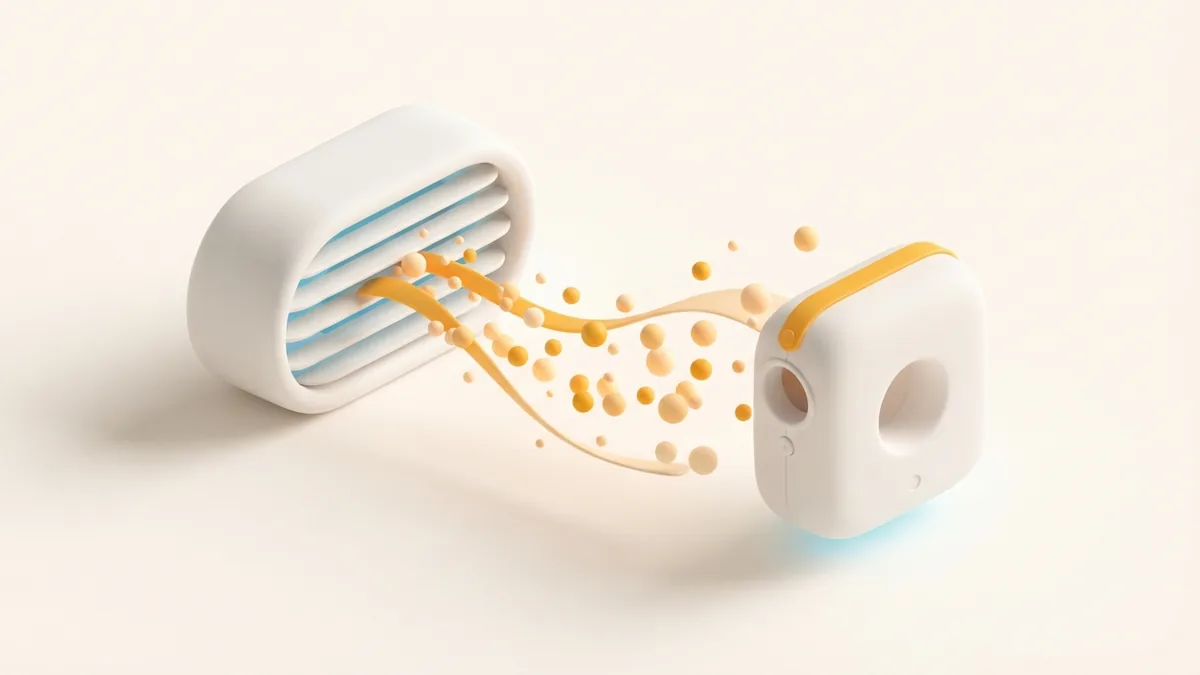
How to Clean the Filter and Dryer Body
Before cleaning, switch the dryer off and unplug it from the outlet. Let it cool fully. Place it on a dry, steady surface, away from water.
Never clean the dryer while it is plugged in. Do not dip it in water or spray cleaner into any opening. These steps help guard against electric shock and damage.
Follow these steps for routine filter cleaning. If your manual gives a different method, use the model-specific directions instead.
- Check the filter cover. Look for dust, loose hair, or product build-up at the rear intake. Read the manual to learn whether the cover twists off or stays in place.
- Remove the cover only as directed. Turn it gently if the manual says it is removable. Do not pry it open with a tool or pull at the mesh.
- Clear loose debris. Use a soft, dry brush to lift hair and lint from the filter surface. Brush away from the opening when you can, so debris does not fall inside.
- Clean the cover and rim. Wipe the cover with a dry cloth. Use a dry cotton swab around the outer rim, but do not push it into the intake.
- Wipe the exterior. Use a soft, dry microfiber cloth on the handle and body. For marks that do not lift, slightly dampen the cloth, then wipe the area. Keep moisture clear of openings and dry the surface right away.
- Put the cover back. Fit it as the manual shows. Make sure it sits evenly and does not wobble.
- Check before use. Confirm the dryer is dry and the filter cover is secure. Plug it in only when the outside and your hands are dry.
Do not wash the filter unless the manual clearly says it is washable. A wet filter must dry fully before use, but many dryer filters should stay dry. When unsure, use a dry brush and cloth.
There is no safe one-size-fits-all method for how to self clean a Bio Ionic Smart X. If the manual lists a self-clean cycle, use it as written. Do not run the dryer backward or use compressed air unless the maker approves it.
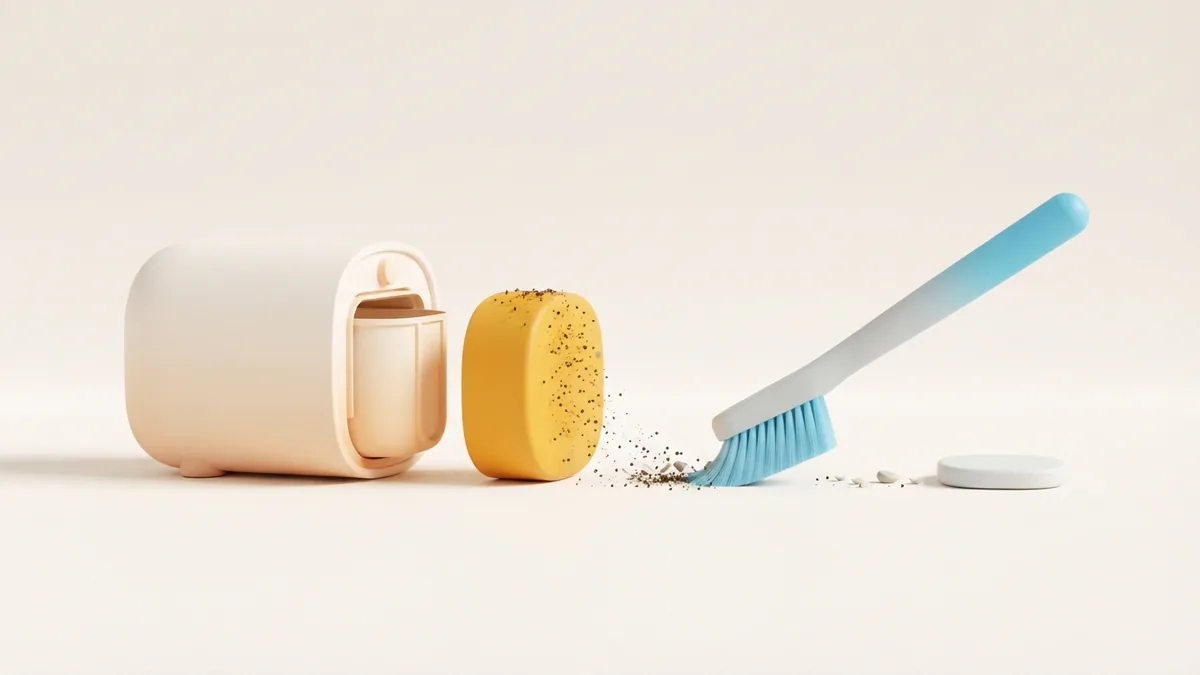
Maintenance Habits That Protect Performance
Keep the intake clear while you dry and store the tool. Avoid setting it on towels, clothing, or a soft surface that can cover the rear vent. Give the dryer room to pull in air.
Let the unit cool before storing it. Wrap the cord loosely, rather than tightly around the handle. Tight bends can strain the cord where it meets the dryer.
Make filter care part of your hair-tool routine. If you use styling creams or sprays, let them dry in your hair before using the dryer. This can reduce residue near the intake.
A monthly check is a useful habit for frequent use. Look at the filter, cord, plug, and housing. Stop using the dryer if you see damage or smell burning.
- Keep the dryer in a dry place with open space around it.
- Do not pull the cord to unplug the unit.
- Do not use sharp tools to scrape the filter.
- Use only attachments made for your Smart X model.
Common Cleaning Problems and Fixes
The airflow still seems weak: Unplug the dryer and inspect the filter again. Check that the cover is seated correctly and that no towel or other item blocks the intake. If airflow stays weak after cleaning, contact Bio Ionic support or a qualified repair service.
The filter cover will not move: Stop rather than forcing it. Confirm the removal steps in the manual. A stuck cover may need service, and a tool can crack the housing or damage the filter.
The dryer smells hot or stops during use: Switch it off and unplug it. Let it cool, then check for a blocked intake. Do not keep using it if the smell or shutoff returns.
A common mistake is adding liquid cleaner. Sprays and excess water can enter the motor area. Another mistake is pushing lint inward with a brush. Work gently, use dry tools, and keep debris away from the air opening.
Clean the Bio Ionic Smart X with care, not force. Regular filter checks and a dry exterior wipe can help it run as intended.
Step-by-step
- 01 Unplug and cool the dryer
Switch it off, unplug it, and wait until it is fully cool. Set it on a dry, steady surface.
- 02 Check the filter instructions
Use the manual to see if the filter cover comes off. Do not pry or force it.
- 03 Brush away lint
Use a soft, dry brush on the filter surface. Keep debris from falling into the intake.
- 04 Wipe the cover and body
Use a dry microfiber cloth on the exterior. Keep moisture away from openings and dry any damp spot at once.
- 05 Refit and inspect
Replace the cover as directed and check that it sits securely. Make sure the dryer is dry before plugging it in.
Frequently asked questions
- How often should I clean my Bio Ionic Smart X filter?
- Check it every few uses and clean it when you see lint or dust. Frequent use or loose hair at home may call for more checks.
- Can I wash the Bio Ionic Smart X filter with water?
- Do not wash it unless your model’s manual says it is washable. A dry soft brush is the safer choice when you are unsure.
- Does the Bio Ionic Smart X clean itself?
- Some versions may list a self-clean feature, but the steps can vary. Check your manual and do not try a cycle or reverse airflow unless it directs you to.
- What should I use to clean a Bio Ionic Smart X blow dryer?
- Use a soft, dry brush and a microfiber cloth. Keep sprays, solvents, and excess water away from the dryer.
- Why is my Smart X blow dryer airflow weak after cleaning?
- Check that the filter is clear, fully dry, and fitted as directed. If airflow remains weak, stop using the dryer and ask Bio Ionic support or a qualified repair service.
Related reading
How Do You Access a Bio on Instagram?
Find the bio, open its link, or update your own profile in a few steps.
How to Add Your Personal Blog to Your Instagram Bio
Add your blog link, shape a stronger bio, and help Instagram visitors find your work.

How to Add Your Occupation to Your Instagram Bio
Show what you do on Instagram with a clear, polished bio.