How Many Followers on TikTok for a Clickable Link in Bio?
Personal accounts need 1,000 followers. Business accounts can add a link anytime.
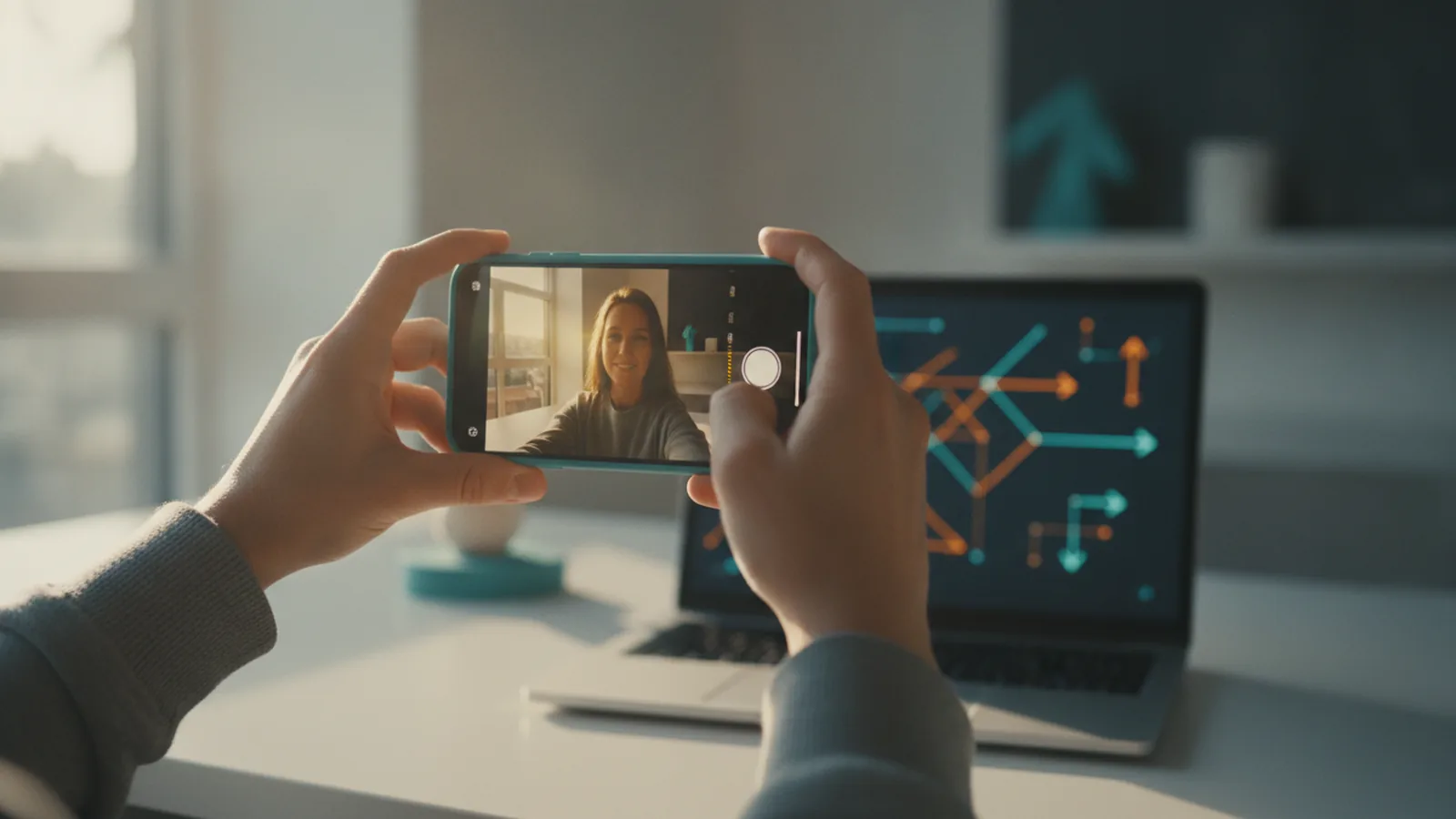
Understanding TikTok’s link in bio feature
If you want a clickable link in TikTok bio, the key question is this: it depends on your account type. For personal accounts, TikTok gates the clickable link feature behind a follower threshold. For TikTok business account profiles, the link option is not tied to follower count.
A clickable bio link helps you send viewers to places that support monetization. That might be your newsletter, your shop, your booking page, or a creator fund destination. It also makes your profile more useful for social media marketing, because viewers can act without hunting for your handle elsewhere.
Once enabled, you can usually update the link quickly. That means you can align your bio with what you are promoting right now, not what you promoted months ago.
Requirements for adding a link
Here are the follower rules most people ask about when they search how many followers on TikTok to put link in bio. If you have a personal account, you generally need at least 1,000 followers to unlock clickable links in your bio.
If you’re using a TikTok business account, you can add a link regardless of follower count. In practice, that means you can switch to business and then set your link without waiting for growth milestones.
This difference matters if you are trying to run follower growth strategies while you also test monetization strategies. You can start building traffic early, even before you hit large follower numbers, as long as your profile type supports the link.
- Personal account: clickable bio link typically unlocks at 1,000 followers
- Business account: clickable bio link available without a follower minimum
- Goal: send viewers to monetization platforms and landing pages
Steps to add a link in your bio
When you meet the requirements, adding a link is fast. Most creators can finish the update in a couple of minutes, because you are basically swapping a bio field for a URL destination.
Start by confirming what account type you are using. Then check whether the link option appears in your profile settings. If it shows up, the setup is usually straightforward and does not require technical work.
Use this flow to get it done quickly.
- Open TikTok and go to your profile page.
- Tap the Edit profile or Profile settings option.
- Look for the Website or Link field.
- Paste your destination URL and save changes.
- Visit your profile from a different device or after refresh to confirm it is clickable.
If you are trying how many followers on TikTok to add link in bio, the hard part is reaching the unlock state for personal accounts. Once it is unlocked, the actual add step stays the same.

Alternatives if you don’t meet requirements
Not everyone has 1,000 followers yet. If the clickable link field is still missing, you still have options for directing traffic.
One practical alternative is using comments on your own videos. If TikTok’s interface gives you a way to share other links in that context, you can guide engaged viewers to the exact destination you want. Another path is mentioning where to find your link on other social platforms.
These options work best when your content already earns attention. If viewers are asking questions or showing intent in comments, you can meet them where they are and point them toward your next step.
- Direct in comments: guide active viewers to your link on another platform
- Mention your handle: tell people to find your link in bio on a linked account
- Switch to TikTok business account: remove the follower gate for clickable links
Also consider simple “evergreen” posts that target one action. If you say “tap the link” every time, you will get fewer clicks when the link is unavailable. If you instead offer a clear next step that works without a clickable link, you keep momentum.

Best practices for link in bio optimization
Once you have the link live, don’t treat it as a set-and-forget setting. Your bio link is part of your funnel, so you should optimize the destination and your on-video call-to-action.
First, match your link with the promise of the video. If your latest content teaches a specific method, your link should lead to the relevant resource. If you are running a sale, the link should go to the sale page, not your generic homepage.
Second, add a call-to-action that tells people what to expect. “Get the checklist” will outperform “visit my link” most of the time. Even better, keep it consistent with the same language you used in captions.
| What to optimize | Why it matters | Example |
|---|---|---|
| Call-to-action | Improves click intent | “Grab the free template.” |
| Landing page fit | Reduces bounce after click | Video about skincare? Link to product guide. |
| Tracking | Shows what works for social media marketing | Use page analytics for clicks by date. |
| Updates | Keeps the link aligned with current content | Change the URL when you launch a new offer. |
Third, monitor link performance. If you see high clicks but low sign-ups, the issue is likely the landing page experience. If you see low clicks, you probably need a stronger call-to-action or better matching between video topics and the bio destination.
This is where link in bio best practices connect directly to monetization strategies. A well-matched destination turns follower attention into measurable conversions.

Common issues and troubleshooting
Even when you meet the follower threshold, the clickable option can lag. That is why it helps to think in two layers: eligibility and interface visibility. Eligibility is about the follower count or business account status. Interface visibility is whether TikTok is showing the link field on your profile.
If your profile still does not show the link option, check your account type first. Then verify your follower count if you are on a personal account. Sometimes follower updates take time to propagate, so avoid making repeated random changes within minutes.
Here are the most common problems creators face when trying how many followers on TikTok to get link in bio.
- No link field appears: you may still be below 1,000 followers on a personal account.
- Link field exists but link is not clickable: double-check the URL format and save state.
- Link changes not reflected: refresh your profile or view it from a logged-out device.
- Business account switch feels stuck: confirm the business profile is fully active before editing.
If you are in limbo, you can still work on alternative traffic sources. Keep posting content that earns engagement and directs viewers to your other platform link. Then when your profile becomes eligible, swap back to the direct clickable link so clicks convert faster.

A quick checklist for deciding your next move
Before you waste time guessing how many followers on TikTok to link in bio, decide which path you are on. If you are personal and under the follower gate, your choice is either wait or switch to business. If you are already business, set your link now and focus on conversion.
Use the same decision logic when you plan content. If the link is live, say so and explain the payoff. If the link is not live yet, point people to the best non-bio next step so you still capture intent.
That keeps your social media marketing consistent. It also prevents your growth from stalling while you wait for the follower milestone.
Frequently asked questions
- How many followers on TikTok to put link in bio on a personal account?
- Personal accounts typically need at least 1,000 followers to unlock the clickable link option in your bio.
- How many followers on TikTok for link in bio for a business account?
- A TikTok business account can add a clickable link regardless of follower count.
- Why can’t I add a clickable link to my TikTok bio yet?
- If you’re on a personal account, you may still be below the follower threshold. If you’re on a business account, confirm your account type update fully took effect.
- How do I add a link in my TikTok bio once it’s available?
- Open your profile, edit your profile details, paste your URL in the website or link field, and save. Then verify your profile shows the link as clickable.
- If my bio link is not available, how can I send traffic to my website?
- You can direct engaged viewers using comments or by pointing them to a link on another social platform where you share your destination.
- What should I do after I add the link in my bio?
- Use a clear call-to-action, make sure the landing page matches the video topic, and monitor clicks and sign-ups to tune performance.
Related reading

How Do You Add a Song to Your Instagram Bio?
Add profile music, pick a fitting track, and solve common Instagram bio music issues.

How to Change Your Xbox Bio on Console or Mobile
Edit your Xbox bio on console or mobile, then make it memorable with a few simple tips.
How to Put a Clickable Link in Your TikTok Bio
Add and test a TikTok bio link, or use a hub for several destinations.