How to Add a Beacons Link to Your TikTok Bio
Step-by-step guide to add a Beacons link to your TikTok bio.

Understanding Beacons and how it fits your TikTok bio
If you want to share more than one link from TikTok, use a Beacons link in bio tool. It lets you point followers to one page that can hold several links. This makes your bio link easier to manage than swapping URLs across posts.
Beacons is built for link sharing across social media. Instead of asking people to hunt through multiple profiles, you share one “hub” link. You can then update destinations anytime.
On TikTok, the bio link is often your most direct path to your landing page. So your Beacons page becomes the place where your content sharing strategies connect to the next step.
- Beacons page = your single URL destination
- TikTok bio link = where you place that destination
- Updates = change links on Beacons, not TikTok

Prerequisites before you try to add your Beacons URL
Before you start, confirm you meet TikTok’s requirements. TikTok typically requires at least 1,000 followers to show a clickable website link in your bio. If you do not see the Website field in your profile settings, your account may not yet qualify.
Next, make sure your Beacons link is ready. Create your Beacons page first, then copy the main URL you want people to visit. If your Beacons page is still under setup, your TikTok bio will send users to an incomplete experience.
Finally, review your plan for TikTok engagement strategies. A bio link works best when your videos and captions guide people to it. Think about what you will offer there, like a free resource, shop, or newsletter.
| Check | What you need |
|---|---|
| TikTok eligibility | At least 1,000 followers to enable a clickable bio link |
| Beacons URL | Your Beacons page link copied from your Beacons dashboard |
| Offer clarity | A specific reason followers should tap your bio link |
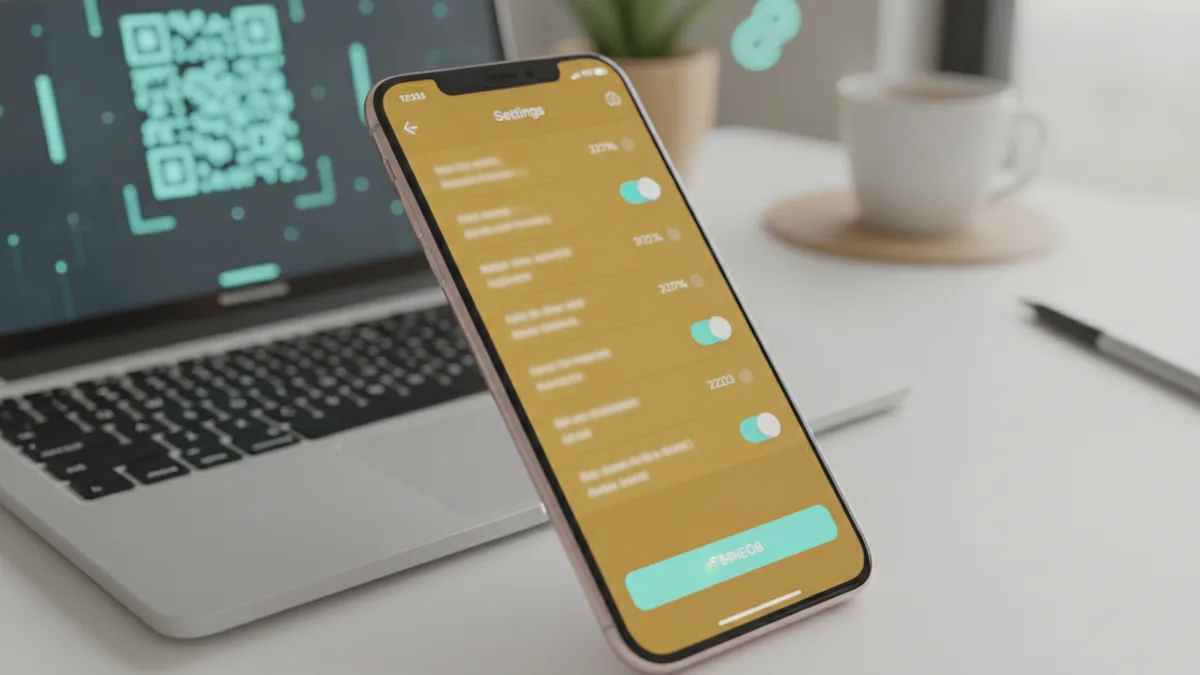
Step-by-step guide: add your Beacons link to TikTok bio
Here is the exact workflow for add beacons link tiktok. The steps below match how TikTok’s profile settings are usually laid out, but small labels can vary by device.
- Open TikTok and go to your profile.
- Tap the menu icon (often three lines) in the top-right.
- Select Settings and privacy, then find Profile or Edit profile.
- Choose Edit profile and look for the Website section.
- Paste your Beacons URL into the Website field.
- Save your changes.
If you are specifically doing tiktok profile link setup, the key moment is the Website field. Once you paste the Beacons link there, TikTok should show a clickable icon in your bio.
After saving, open your profile in a private or test account. Confirm the link shows up and the tap opens your Beacons page without delays. This quick check prevents an annoying problem where a link was pasted with the wrong characters.
- Navigate to TikTok profile settings
- Select Edit Profile
- Paste Beacons link in the Website section
- Save, then test on your profile
Tips to optimize your bio link for more clicks
Adding the beacons link in bio tik tok is only half the job. You also need people to notice it and understand what they get by tapping. Your bio text and your recent videos should work together.
Use bio link customization that feels native to TikTok. For example, you can include a simple callout in your bio like “Start here” or “Get the guide.” You can also use emojis to make the prompt stand out, such as a pointing emoji before the link message.
Match your Beacons page order to your audience’s intent. Put your top link first, then add supporting links underneath. If you promote one thing per week, rotate your featured link on Beacons so followers always see the latest offer.
Also, plan your content sharing strategies around the bio link. Mention your bio link in a short on-screen moment. If you have a tutorial video, point to a downloadable resource in Beacons right after the value is delivered.
- Make the bio text specific, not vague
- Lead with one main offer on your Beacons page
- Use a consistent callout style across videos
- Update your Beacons featured link weekly or per campaign
For social media marketing and influencer marketing, treat the bio link as your campaign landing spot. Track results by using Beacons pages and link destinations. Then improve your next campaign based on what your audience actually taps.
Common issues and troubleshooting
Most problems fall into a few buckets. Either the clickable link is missing, the link opens the wrong page, or TikTok rejects the content. Use the troubleshooting steps below before you assume the issue is with Beacons.
Problem: No Website field in Edit Profile
If you cannot find the Website section, check your follower count. TikTok typically needs at least 1,000 followers to add a clickable link. If you are close, keep posting and focus on TikTok follower growth strategies like consistent niche content and clear hooks.
Problem: The link saves, but it does not look clickable
After saving, refresh and revisit your profile. Also test from a different device or account. Sometimes the change takes a moment to propagate through the app.
Problem: Wrong link or broken redirect
Double-check the URL you pasted. Remove extra spaces and confirm the link begins with https://. Then test by tapping the link yourself from your profile.
Problem: Link promotion violates rules
TikTok community guidelines matter when you drive people off-platform. Avoid posting links that lead to prohibited content, scams, or misleading claims. Also watch how you describe the destination in your captions and bio.
If you suspect moderation issues, stop promotions for the moment. Review your Beacons page content and the landing pages behind each button. Then update any elements that could trigger review.
| Symptom | Likely cause | Fix |
|---|---|---|
| No clickable link | Not enough followers | Wait until TikTok enables the Website field |
| Link opens wrong page | Incorrect URL paste | Re-paste the correct Beacons URL and retest |
| Link updates not seen | App caching or delay | Refresh and test after a short wait |
| Promotion removed | Guidelines conflict | Adjust destination and claims, then retry |
When in doubt, keep the experiment small. Update one element at a time, such as bio text or the featured Beacons link. That way you can tell what improved clicks.
Frequently asked questions
- Do I need 1,000 followers to add a clickable Beacons link to my TikTok bio?
- Yes. TikTok typically requires at least 1,000 followers for the Website field to create a clickable bio link.
- Where do I paste the Beacons link in TikTok?
- Go to your profile settings, select Edit Profile, then paste your Beacons URL in the Website section. Save the changes and test the tap on your profile.
- Why does my beacons link tiktok not show as clickable after I save?
- First, check that TikTok enabled the Website field for your account. Then refresh, wait briefly, and test from another device to confirm it propagated.
- How can I get more clicks on my beacons link in bio tik tok?
- Make your bio callout specific and visible, like an emoji plus a short action prompt. Also ensure your Beacons page highlights one main offer at the top.
- What should I do if my bio link opens the wrong page?
- Re-copy your Beacons URL and paste it again. Check that it starts with https:// and contains no extra spaces.
- Are there rules I need to follow when promoting links from TikTok bio?
- Yes. Follow TikTok community guidelines and avoid promoting prohibited, misleading, or harmful content through your linked pages.
Related reading
How to Add a Link to Your Facebook Bio
Add a useful, clickable link to your Facebook profile in a few simple steps.

What Is a TikTok Bio and What Should You Put in It?
Make your TikTok bio clear, useful, and easy for the right viewers to remember.

How to Put a YouTube Link in Your TikTok Bio
Add and test your YouTube link, even when TikTok limits clickable bio links.