How to Add Emojis to Your Instagram Bio Without Going Overboard
Learn how to add emojis to your Instagram bio using the phone keyboard. Keep it clean, readable, and on-brand.
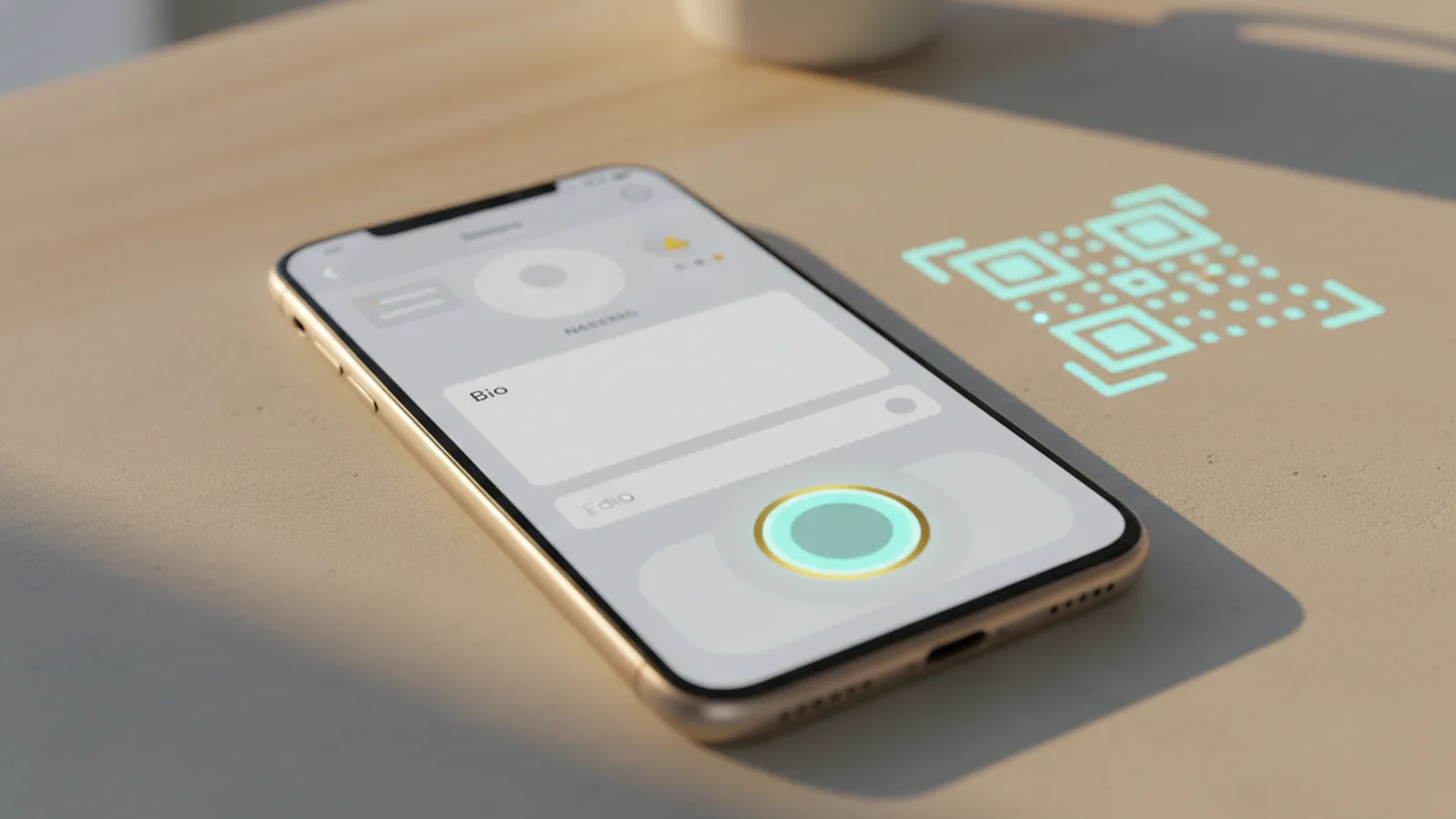
Understand Instagram bio limits before you add emojis
If you want your bio to look better fast, start with one rule: Instagram bios have a 150-character limit. That limit includes letters, spaces, emojis, and punctuation. Emojis look expressive, but they also “cost” space, so every symbol needs a job.
This is why Instagram bio customization works best when you plan. Instead of stuffing many icons, use a few that clarify your theme or role. For example, one icon can signal your niche, while another can highlight your location or a key offer.
Also note how spacing affects readability. A short bio with one or two strong emojis usually reads cleaner than a longer line with frequent icons. Think of emojis as visual shorthand, not as decoration for decoration’s sake.
- 150 characters total, including emojis and spaces
- Fewer emojis often improve clarity
- Keep punctuation simple to save space

Open the emoji keyboard on your phone
The easiest way to add emojis is to use the built-in emoji keyboard on your smartphone. You do not need a special app for this. It is the same keyboard you use in text messages, notes, and social posts.
On iPhone and Android, tap where you want text to appear, then open the emoji keyboard. You will usually see a smiley icon on the keyboard. Selecting an emoji inserts it right into the field.
If you cannot find the emoji option, check that your keyboard is not in a restricted mode. Some users enable keyboards that support only letters. Switching back to the default keyboard usually restores emoji access.
- Tap your Instagram bio field to place the cursor
- Open the emoji keyboard from your on-screen keyboard
- Select an emoji to insert it into your bio
How to add emojis to your Instagram bio (step-by-step)
Here is the practical answer to “how to add emojis to instagram bio” in the app. You edit your profile, then add the emojis directly into the bio text field. The emoji keyboard handles the symbol input for you.
Use this flow for “how to put emojis on instagram bio” or “how to add emojis in instagram bio.” The wording may differ slightly by app version, but the steps are the same.
- Open the Instagram app and go to your profile
- Tap Edit Profile (sometimes shown as “Edit”)
- Find the Bio section and tap into the bio text box
- Place your cursor where you want the emoji
- Open your emoji keyboard and pick the right icon
- Repeat for more emojis, then tap Done or Save
If you are wondering “how to put emojis on your instagram bio,” the key is placement. Put emojis near the parts they explain. For instance, add a location pin next to your city, or add a star next to a highlight like “weekly tips.”
After saving, check how it looks on your profile page. Sometimes the bio wraps to a new line, depending on device screen width. If your emoji lands in an awkward spot, reopen Edit Profile and adjust it.
Best practices for emoji use in a bio
Emojis can make your bio visually engaging and more expressive. They can also represent interests, personality traits, or brand themes in a glance. That is useful for social media profile optimization because people scan quickly.
But context matters. Consider who you want to attract and how “professional” your audience expects. A fitness coach might use energetic icons, while a finance creator may choose calmer symbols and fewer faces.
To stay relevant, match your emoji choices to your actual content. If you post about design tools, use design-linked icons instead of random trends. If you sell products, keep icons close to the value: benefits, shipping, or what you offer.
- Use emojis to clarify meaning, not to decorate
- Keep a consistent style across the bio
- Use fewer emojis when your bio is already short
- Avoid emojis that can be read as jokes if you want a serious tone
What emojis to put in your Instagram bio
You do not need to invent a new emoji language. Popular options work because users recognize them instantly. Heart icons, stars, and expressive faces are common for a reason: they resonate broadly and communicate quickly.
Start with a theme, then pick emojis that support it. For example, if your bio is about community, hearts and chat-style icons fit. If you focus on learning, consider a book or lightbulb. If you share travel content, a map or airplane-style icon helps viewers understand your niche.
Here are practical emoji categories you can adapt. Each one pairs well with a line of text, and it usually stays under the 150-character character limit.
| Bio goal | Emoji ideas | Example placement |
|---|---|---|
| Show appreciation or community | ❤️ 🫶 | “Weekly prompts ❤️” |
| Highlight credibility or a feature | ⭐ ✨ | “Top resources ⭐” |
| Express personality | 😄 😎 | “Good vibes 😎” |
| Indicate your niche | 📚 🎨 🧠 | “Design notes 📚” |
| Share location | 📍 🗺️ | “Based in Austin 📍” |
When you answer “what emojis to put in instagram bio,” think about the message you want before you think about the emoji itself. The symbol should compress meaning, not compete with your words.

Tips for a visually appealing Instagram bio
Visual branding works even in a tiny text space like a bio. Use emojis as anchors, then keep the text tight and scannable. A good bio reads well on the first pass, even on a small screen.
Try a simple structure: one short line for identity, one short line for focus, and one short line for proof or action. Emojis can mark each line’s purpose. This helps your profile feel intentional, not random.
Also plan for mobile wrapping. If your bio becomes two lines on one phone but one line on another, your emoji may shift. Keep your most important emoji close to the start of a line so it stays tied to the meaning.
Finally, treat emoji testing like any other profile update. Change one thing at a time. For example, swap a heart for a star, then review how it changes the feel of your bio.
- Use emojis to label lines, like bullets
- Keep one style: mostly hearts, mostly stars, or mostly icons
- Place key emojis near the beginning of a line
- Save changes, then check wrapping on your profile
If you follow these steps, your bio will look clearer and feel more “you.” That is the real goal of how to add emojis to instagram bio: make your message land faster.
FAQ: Add emojis to your Instagram bio
How to add emojis to instagram bio on iPhone?
Open Instagram, go to your profile, and tap Edit Profile. Tap inside the Bio box, then open your emoji keyboard and select an icon. Save your changes.
How to put emojis on your instagram bio from Android?
Go to your profile and tap Edit Profile. Tap the bio text field, open the emoji keyboard, and choose your emojis. Tap Save or Done when finished.
Do emojis count toward Instagram’s 150 character limit?
Yes. Emojis are included in the 150 characters total. If you add too many, you may need to remove text or choose fewer icons.
What emojis should I use for a professional bio?
Choose simple, widely understood emojis like stars, location pins, or neat symbols. Avoid very playful faces if your audience expects a serious tone.
Why do my emojis look different after I save?
Emoji rendering can vary by device and font set. The symbol usually keeps its meaning, but its style may shift slightly.
How many emojis should I add to my Instagram bio?
Most bios look best with one to four emojis total. Use only the ones that clarify your niche, personality, or main call to action.
Frequently asked questions
- How to add emojis to instagram bio on iPhone?
- Open your profile in Instagram, tap Edit Profile, then tap the Bio field. Open your emoji keyboard and insert the icons. Save the update.
- How to put emojis on your instagram bio from Android?
- Go to your profile and tap Edit Profile. Tap into the Bio box, open the emoji keyboard, and pick your emojis. Tap Save or Done.
- Do emojis count toward Instagram’s 150 character limit?
- Yes. The 150 characters include letters, spaces, and emojis. If you exceed it, remove text or use fewer emojis.
- What emojis should I put in instagram bio for a professional look?
- Use simple, widely understood icons like stars, hearts, or location pins. Keep the number low and match the tone of your content.
- How many emojis should I add to my Instagram bio?
- For most people, one to four emojis is enough. Use only icons that clarify your message or brand theme.
- Why do my emojis look different after I save?
- Emoji style can vary by device and font. The emoji meaning should remain, but the visual look may shift slightly.
Related reading

How to Change Your Xbox Bio on Console or Mobile
Edit your Xbox bio on console or mobile, then make it memorable with a few simple tips.

How to Put a Clickable Link in Your TikTok Bio
Add and test a TikTok bio link, or use a hub for several destinations.

How Do I Customize My Instagram Bio?
Make your Instagram bio clear, useful, and easy to remember.