How to Put a Link in Your TikTok Bio on Android
Add a clickable TikTok bio link on Android with business account rules.
Understanding TikTok bio links
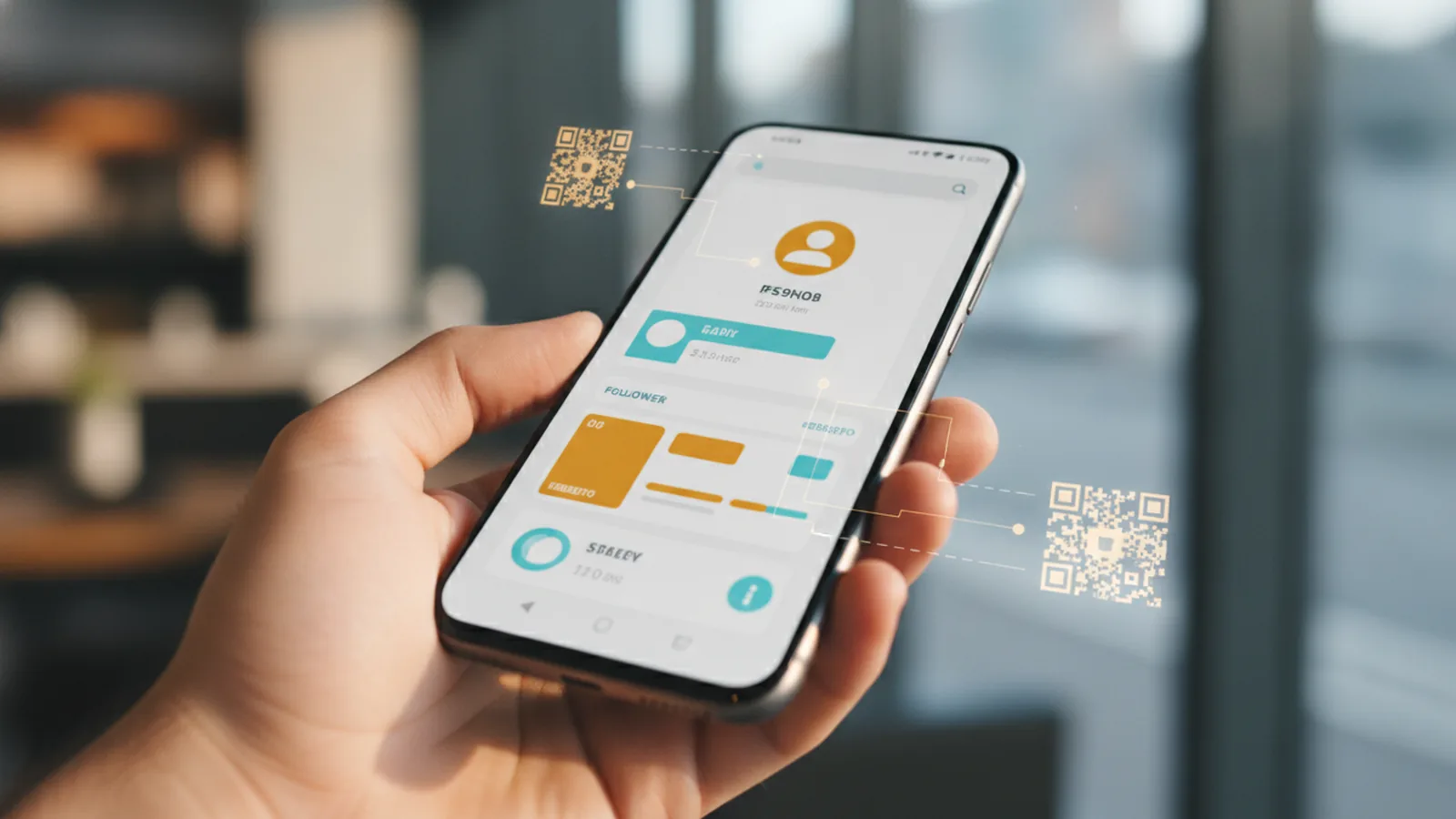
If you want a clickable link in your TikTok bio on Android, you need the right TikTok setup first. Once enabled, TikTok shows your link as a tappable button in your profile. You can use it to point viewers to your website, shop, landing page, or a promotion.
This feature is often called a “link in bio.” It is not the same as adding plain text that looks like a URL. A clickable link uses TikTok’s link feature, not just a website address written in your bio text.
In this guide, you’ll learn how to put a link in your TikTok bio using your Android phone. You’ll also see what to do if your account does not meet TikTok’s requirements.
Eligibility requirements for the clickable link feature
TikTok requires you to have a business account to add a clickable link in your bio. If you only have a personal account, TikTok will not show the link button. That is why many people search “how to put link in tiktok bio android” and hit a missing option.
Another key requirement is TikTok follower count. You must have at least 1,000 followers to access the link feature. If you are under that number, TikTok may let you edit your bio text, but not add the clickable link.
Finally, direct link access is only available through the TikTok mobile app, not on desktop. Even if you can log in from a computer, the link-in-bio controls live in the Android app.
- Business account is required
- At least 1,000 followers are required
- Use the TikTok mobile app, not desktop
How to switch to a business account on TikTok (Android)
Before you can add a clickable TikTok bio link, switch your account to business. Start by opening TikTok on your Android device and going to your profile tab. Tap the menu icons for profile settings.
The exact menu wording can vary slightly by version, but you will find an option named Account. Tap Account, then select the option to change your account type to business. You may also need to choose a category that matches your page.
After the switch, give TikTok a little time to update your profile. Then re-check your bio settings to see if the link field appears. If it does not, confirm you also meet the follower requirement.
- Open TikTok and go to your profile
- Open Settings, then tap Account
- Choose Business account and confirm
- Wait briefly, then check your bio link options
How to add a clickable link in your TikTok bio (Android)
Once you have a business account and at least 1,000 followers, adding the link is usually quick. This must be done inside the TikTok Android app. If you are trying to do it on desktop, you will likely not see the same controls.
Open TikTok and go to your profile. Tap Edit profile to reach the bio fields. Look for a section that lets you add a link or website, often labeled as a clickable link field.
Paste your URL into that field, then save your changes. After saving, check your profile from your own account to confirm the link button appears. If the button does not show right away, wait a few minutes and refresh the profile view.
For best results, use a custom URL or a shortened URL. A shorter link is easier to remember and type, and it reduces copy mistakes. For example, instead of a long store URL, you might use a short domain link that redirects to the current offer.
| Link type | When to use | Why it helps |
|---|---|---|
| Custom URL | Your main website or hub | Strong brand recall and trust |
| Shortened URL | Campaigns and promos | Less typing, fewer errors |
Best practices for TikTok bio links
Your TikTok bio link should match what viewers are most likely to want right now. If you currently post about one topic, link to the best page for that topic. If you run a weekly promotion, update the bio link so it stays aligned.
Also think about where the link sends people. A landing page that clearly explains the offer usually performs better than a generic homepage. If you use a link-in-bio tool, make sure it sends users to the right destination for your current campaign.
One more practical tip is to track link performance. TikTok does not always provide deep link analytics, so use your landing page or redirect tool reports. Then adjust your bio link when you see a page underperforming.
- Match the link to your newest content focus
- Use a clear landing page for the offer
- Update regularly for promotions and new series
- Prefer custom or short URLs for fewer mistakes
Troubleshooting common issues
If you can’t find the clickable link option, check the two main eligibility rules. First, verify you have a business account. Second, confirm you have at least 1,000 followers; the link feature often appears only after you cross that threshold.
Next, make sure you are using the TikTok mobile app on Android. The link field may not appear in desktop views. Some accounts also take time to reflect account changes after switching to business.
If you entered a link and it still does not show as clickable, re-open your profile and confirm the bio saved correctly. Try removing extra spaces in the URL field. Then save again and refresh your profile view.
| Problem | What to check | Fix |
|---|---|---|
| No link field in Edit profile | Business account and follower count | Switch to business and reach 1,000 followers |
| Link works on Android but not desktop | Where you are editing | Edit only in the Android TikTok app |
| Bio saves but link button missing | URL formatting and timing | Re-save the profile, then wait and refresh |
Alternatives for non-business accounts
If you do not meet the requirements yet, you can still use your TikTok bio effectively. TikTok may not let you add a clickable link button, but you can place a non-clickable link in your bio text. Viewers can copy it or type it into a browser.
To do this, open your bio edit screen and add your URL as plain text. Keep it short if possible, since long URLs are harder to copy. A custom handle-based link can be easier to remember than a long product path.
While you grow your account, you can also use link-in-bio tools that help you manage multiple destinations. Even if the link button is not enabled, you can still use a single main URL in your text and update where it redirects later.
When you finally reach business account access and 1,000 followers, move from the plain-text URL to the clickable link field. That small switch typically improves tap-through because users do not have to copy anything.
Step-by-step
- 01 Check your eligibility
Confirm you have a business account and at least 1,000 followers. If either is missing, the clickable link field will not appear.
- 02 Switch to a business account
Open your profile, then go to Settings and tap Account. Select the option to switch to a business account and save your changes.
- 03 Open your profile editor
In the TikTok Android app, go to your profile and tap Edit profile. Look for the field for a clickable link.
- 04 Add your URL and save
Paste your website or landing page URL into the link field. Save, then check your profile to confirm the link button appears.
- 05 Use a link that’s easy to remember
Prefer a custom URL or a shortened URL for better user experience. Test the link destination before posting it in your bio.
- 06 Re-check after changes
If the link button is missing, wait a few minutes and refresh your profile view. Re-save if the URL did not persist.
Frequently asked questions
- Do I need a business account to add a clickable link in my TikTok bio on Android?
- Yes. TikTok requires a business account to show a clickable link button in your bio.
- How many followers do I need for a TikTok bio link on Android?
- You need at least 1,000 followers. If you’re under that number, the clickable link field may not appear.
- Can I add a TikTok bio link from a computer instead of Android?
- No. Direct access to the bio link feature is available through the TikTok mobile app, not desktop.
- Why don’t I see the link option under Edit profile on TikTok?
- Most often it’s because you are not on a business account or you have not reached 1,000 followers yet.
- What can I do if my account can’t add a clickable bio link?
- You can still add a non-clickable URL in your bio text. Viewers can copy it into their browser.
- How often should I update my TikTok bio link?
- Update it when your content focus or promotions change. Regular updates keep the link relevant to what viewers expect.
Related reading

How Do You Make Instagram Bio Spaces?
Use line breaks and blank characters to make your Instagram bio easier to scan.

How Do You Change Your Bio Font on Instagram?
Use a Unicode font generator to style your Instagram bio in a few simple steps.

How to Add a Spotify Playlist Link to Your Instagram Bio
Add your playlist, test the link, and help more people find your music.