What Is a Bio Link and How Does It Work?
See how one profile link can lead followers to all your key destinations.
What Is a Bio Link?
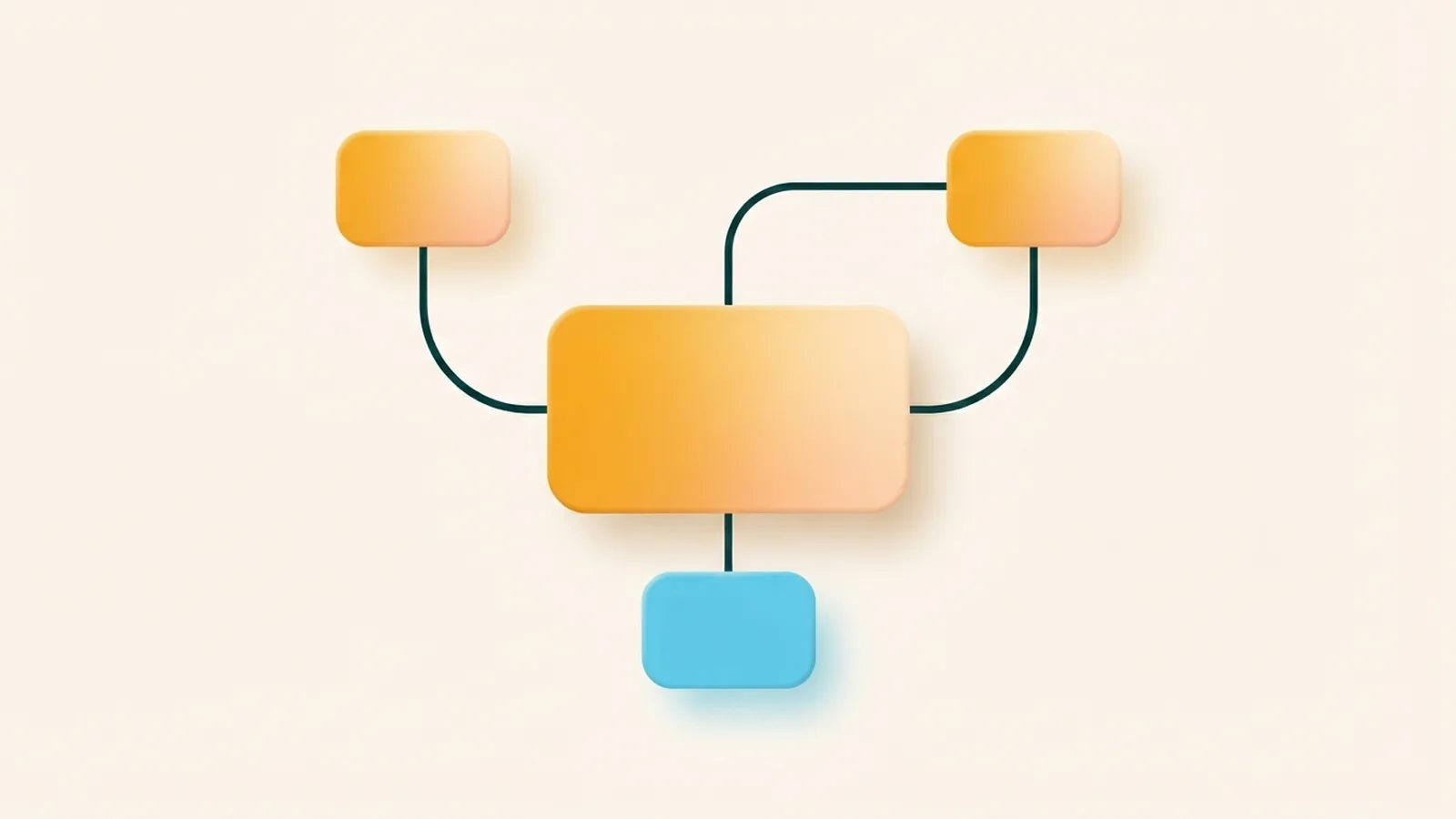
A bio link is one URL in a social profile that opens a page with several links. It lets you share articles, podcasts, videos, products, and other destinations through one address. Instead of changing your profile link for every new post, you update the choices on that page.
So, what is bio link use in practice? Think of it as a small menu between your social profile and your work. Visitors tap the address, scan the options, and choose where to go next. The page may be hosted by a bio link service or built on your own website.
People also call it a link-in-bio page, a bio link page, or a bio link website. The names differ, but the idea stays the same: one profile URL leads to several useful destinations. It is not a set of separate links placed directly in your profile.
- One URL can share several destinations
- You can change the page without changing your profile address
- A clear page helps visitors find your latest work
The term “what is a bio link” often refers to both the URL and the page it opens. In everyday use, people mean the whole setup. The page can be simple, but each link should have a clear purpose.
Why Use One Link for Several Destinations?
A bio link helps when a social profile gives you limited space for outside links. Instagram now allows users to add multiple external links in some profiles. Still, many people use one bio link page to group, order, and explain their main destinations.
It can also give your audience one steady place to find your work. A writer might link to a new story, an archive, and a newsletter. A musician could share a new release, tour dates, and a recent interview.
Personal brands can use the page to show a portfolio and booking details. Content creators can point followers to their latest video, a podcast, or merchandise. A small business might feature its shop, current offer, and support details.
Keep the list focused on what visitors need now. Too many choices can hide your main goal. Put the most useful link near the top, then add a few related options.
How to Use Bio Links on Instagram
What is a bio link on Instagram? It is the clickable website address shown on an Instagram profile. A visitor taps it to open a website or a page with several destinations. When that page holds a list of links, it works as a hub for your Instagram audience.
People may also ask, “What is a bio link in Instagram?” or “What is the bio link in Instagram?” Both questions point to the profile link and its destination. The phrase “what is bio link on Instagram” means much the same thing.
To add one, first make a page with the links you want followers to see. Copy its URL, then open your Instagram profile settings and find the links area. Add the address and save your changes. Menu names can shift when Instagram updates its app.
- Choose a bio link service or make a page on your own site.
- Add your most useful destinations and give each a clear name.
- Copy the page URL into the links area on your Instagram profile.
- View your profile as a visitor and test each link on a phone.
Check the page each time you add a campaign or change an offer. Make sure it loads, the links work, and the first option matches your current goal. You can use the same page on other social profiles, too.

Benefits of a Bio Link Page
A bio link page lets you share more than one part of your work without changing your profile URL. This is useful when you have a new release, event, or offer to promote. You can update the page while keeping the same address in your profile.
Most bio link tools let you choose themes, colors, and layouts. Match the look to your personal brand, but keep the page easy to scan. Clear button names and strong contrast help visitors pick the right link.
Some services also track visits and clicks. This data can show which links draw interest and which ones people ignore. For example, you might move a popular portfolio link higher on the page.
Click counts do not explain why someone chose a link. Treat them as clues, then compare them with your wider goals, such as bookings or sales. A high click rate matters only if it helps you reach the result you want.
A well-kept page can support a strong digital presence across platforms. It gives followers one familiar place to find your work, even as your offers change. Keep each link current so visitors do not land on old or broken pages.
Creating Your Own Bio Link
Start by choosing the main action you want visitors to take. That might be reading an article, hearing a new podcast, booking a service, or buying a product. Put that link first, then add a small set of useful supporting links.
Next, decide where the page will live. A bio link service can be quick to set up and may include themes or click tracking. A page on your own website gives you more control over its design and address.
Think about the visitor’s next step as you write each link name. “Book a session” is clearer than “More information” when the goal is a booking. Keep the page short enough to scan on a phone.
- Choose a main goal for the page
- Put the most important destination first
- Use brief, clear names for each link
- Check the page on a phone before sharing it
If you use a custom URL, make it easy to read and remember. Test every destination before adding the page to your profile. Review the list when a release ends, an event passes, or your main offer changes.
Best Practices for Bio Links
Build the page around your audience, not every project you have ever made. A visitor should know what to tap without guessing. Keep the main link near the top and remove choices that no longer help your current goal.
Use link names that set clear expectations. “Read the latest article” tells a visitor more than “Click here.” If several links serve the same purpose, group them in a sensible order.
Make sure the page works well on a small screen. Check loading speed, button size, color contrast, and the path from the profile to each destination. A simple layout often works better than one packed with effects.
Use click data to guide small changes. Move a key link higher or try a clearer name, then check whether clicks change. Review the page on a regular schedule so old offers do not stay in view.
A bio link works best when it makes the next step easy. Keep the page focused, current, and true to your brand. That gives followers a useful route from your profile to the content they came to find.
Frequently asked questions
- What is a bio link?
- A bio link is a URL in a social profile that opens a page with several destinations. It can lead visitors to content, products, events, or other websites.
- What is a bio link on Instagram?
- It is the clickable website address on an Instagram profile. The address can open a single site or a page that groups several links.
- What is a bio link website?
- A bio link website is a page that gathers several destinations under one URL. You can host it with a link service or build it on your own site.
- Can I add more than one bio link to Instagram?
- Instagram supports multiple external profile links for some users. A bio link page can still help you group and order destinations on one page.
- What should I put on my bio link page?
- Add the links your audience needs most, such as a new release, portfolio, shop, or newsletter. Put the main action first and remove old links.
- Can a bio link page track clicks?
- Some bio link services show visits and clicks for each destination. Use those figures as clues about audience interest, not as proof of sales or sign-ups.
Related reading
How Do You Add Discord to Your TikTok Bio?
Add a working Discord invite to your TikTok bio and help viewers find your community.
How Do You Edit Your Bio on the Xbox App?
Edit your Xbox bio, share your gaming style, and fix common profile issues.

How to Change Font Style in Your Instagram Bio
Change your Instagram bio style with safe Unicode fonts and simple design tips.