How to Add Clickable Links to Your Instagram Bio (5 Links)
Add clickable Instagram bio links, manage up to five, and optimize for more clicks.
Understanding Instagram Bio Links
Instagram lets people tap clickable links in your bio, which can send them straight to a page you choose. As of April 2023, Instagram supports up to five clickable links in your bio. That means you can promote more than one offer without swapping links every week.
If you are trying to figure out how to link a link on instagram bio, the key is knowing that each link must be an “external link.” You add them in your profile editor. Then Instagram renders them as tappable items under your bio.
These clickable links are part of your profile optimization. Used well, they support your social media strategy by moving people from interest to action. Used poorly, they send traffic to low-value pages.
Step-by-Step Guide to Adding Links
Start at your profile, not from a settings screen. This keeps the flow simple and reduces mistakes when you test links later.
- Open the Instagram app and go to your profile.
- Tap Edit Profile.
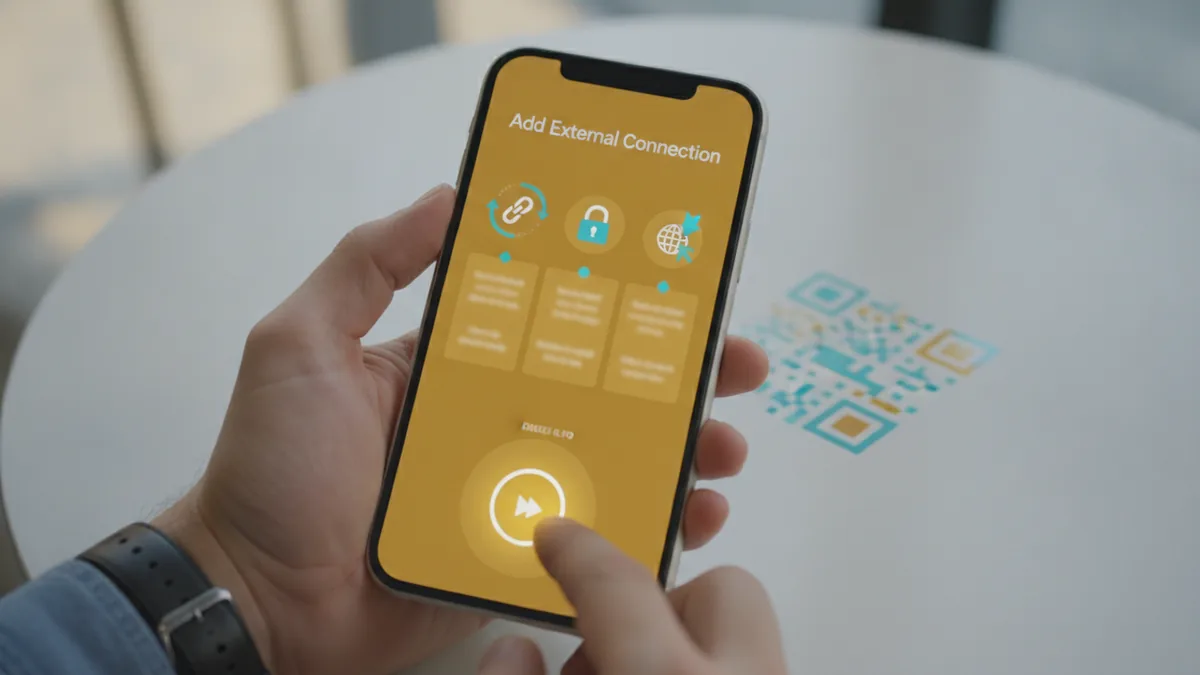
- Find Add external link.
- Paste the URL you want people to tap.
- Repeat until you reach your limit of five links.
After you add them, review how they look on your profile from a fresh view. You want to confirm that each link is clickable and that the link order matches your priority. If a link looks truncated, check the destination page title.
Also test at least one link yourself in your own phone’s “tap” flow. Sometimes a link is correct, but the target page does not load well on mobile.
How to Manage Multiple Links
When you have multiple links in instagram bio, order matters. Instagram gives you the chance to highlight the most important destination first. So pick your top goal and place that link at the top.
Think of your links as a small landing page with five slots. For example, slot one could be your newest promotion. Slot two could be a signup page. Slot three could be a category hub that matches different interests.
To manage Instagram bio links over time, you should do two things: keep the list focused and keep it current. Remove links that no longer serve your audience. Then add the new ones and keep the order intentional.
- Primary offer first: put your current campaign or best-converting page first.
- Support links next: place FAQs, a starter guide, or pricing after the main page.
- Evergreen last: keep brand stories, resources, or social proof links toward the end.
One more detail: if you regularly run campaigns, you will want a repeatable link management rhythm. A weekly check beats a monthly scramble where older links stay live too long.
Best Practices for Instagram Bio Links
Good bio link choices turn profile visits into user engagement. Instead of sending people to a generic homepage, send them to the most relevant page for their intent.
Here are practical approaches that often work for brands and creators.
- Link to promotional content: use a current offer, event page, or new drop.
- Highlight brand stories: link to “about” or a short origin page that builds trust.
- Guide traffic to valuable resources: point to guides, templates, or a newsletter sign-up.
- Match the audience: if your followers are segmented, use different links for each intent.
Use your captions and story themes to “prime” people for the bio links. For example, if you post a post about a product feature, link to that specific product or a feature-focused page. That reduces friction and improves the odds of a tap.
If you are also working on other platforms, note that Instagram’s experience differs from other bios. For example, the idea of “how to link a link on tiktok bio” comes up often, but the exact steps and limits can vary by platform and account type. Keep your expectations platform-specific.
Tools for Optimizing Bio Links
Bio link tools for instagram can add analytics and customization on top of basic link entry. If you want to understand what drives clicks, third-party tools can help you track performance by destination and channel.
In practice, these tools usually let you create a “link hub” page. Then you place that hub URL as one of your bio links. From there, you can manage multiple destinations under one tap path.
This is useful when you want deeper link management, like campaign-specific tracking. It also helps when you want to swap destinations without editing your Instagram bio each time.
When choosing a tool, look for features that match your needs.
| Feature | Why it matters |
|---|---|
| Click analytics | Shows which destination gets the most taps |
| UTM support | Makes it easier to measure results in your own reports |
| Theme or branding | Keeps the click experience aligned with your profile |
| Link editing speed | Helps you move fast during promotions |
Also test the mobile experience. Some link hubs load slowly, which can cost clicks even when analytics look good on desktop.
Common Mistakes to Avoid
Most bio link issues are not technical. They are strategy and execution problems that reduce clicks or waste link slots.
Here are common mistakes to watch for.
- Using too many generic links: a homepage is rarely the best starting point.
- Leaving outdated links: old promo pages can still get taps after the campaign ends.
- Ignoring link order: the first link gets more attention. Make it your best bet.
- Sending people to pages that do not fit mobile: if it is slow or confusing, taps drop.
- Not matching content to the bio: if your posts promise one thing, your bio should deliver it.
Finally, do a simple monthly review of your bio links. Check which destination actually gets clicks and whether your profile still matches your current offer. Small changes to order and destinations often outperform adding more links.
Frequently asked questions
- How do I link a link on Instagram bio?
- Open your Instagram profile, tap Edit Profile, then choose Add external link. Paste the URL and save. Repeat until you reach your limit.
- How many clickable links can I add in my Instagram bio?
- As of April 2023, Instagram allows up to five clickable links in the bio.
- Can I manage the order of multiple links in my Instagram bio?
- Yes. Instagram shows links in a priority order, so place your most important destination first. Then keep the rest aligned with your other goals.
- What are the best practices for Instagram bio links?
- Link to specific promotional or useful pages, not just a general homepage. Keep your choices aligned with your latest posts to boost taps.
- Do bio link tools for Instagram help with analytics?
- Often, yes. Many tools provide click tracking and make it easier to update destinations without changing every bio link entry.
- Why are my Instagram bio links not getting clicks?
- Common causes include sending people to irrelevant pages, outdated links, or slow mobile destinations. Review order, page fit, and mobile speed.
Related reading

How Do You Make Instagram Bio Spaces?
Use line breaks and blank characters to make your Instagram bio easier to scan.

How Do You Change Your Bio Font on Instagram?
Use a Unicode font generator to style your Instagram bio in a few simple steps.

How to Add a Spotify Playlist Link to Your Instagram Bio
Add your playlist, test the link, and help more people find your music.