How to Add Links in Your Instagram Bio (and Manage Them)
Add up to five bio links, manage them in the mobile app, and track clicks.
You can add up to five links to your Instagram bio, and manage them in the mobile app. Arrange them by priority, because only the first link shows clearly. This guide walks you through how to add links in your bio, plus how to use tools and measure what works.
What Instagram Bio Links Actually Are
Your Instagram Instagram profile bio is a quick snapshot of what you do. Bio links help you send people from your profile to a page that can convert. That page can be a website, a landing page, a store, or a specific post.
As of April 2023, Instagram lets you add up to five links in your bio. This matters for multiple links because you can support different goals at once. For example, one link can drive sales, while another supports a newsletter.
Also note the editing rule. You can only update your bio links using the Instagram mobile app. If you edit on desktop, you will not see the same link controls.
- Up to five links are supported in the bio.
- Only the first link is most visible on the profile.
- Link edits require the mobile app.

How to Add Links to Your Instagram Bio (Step-by-Step)
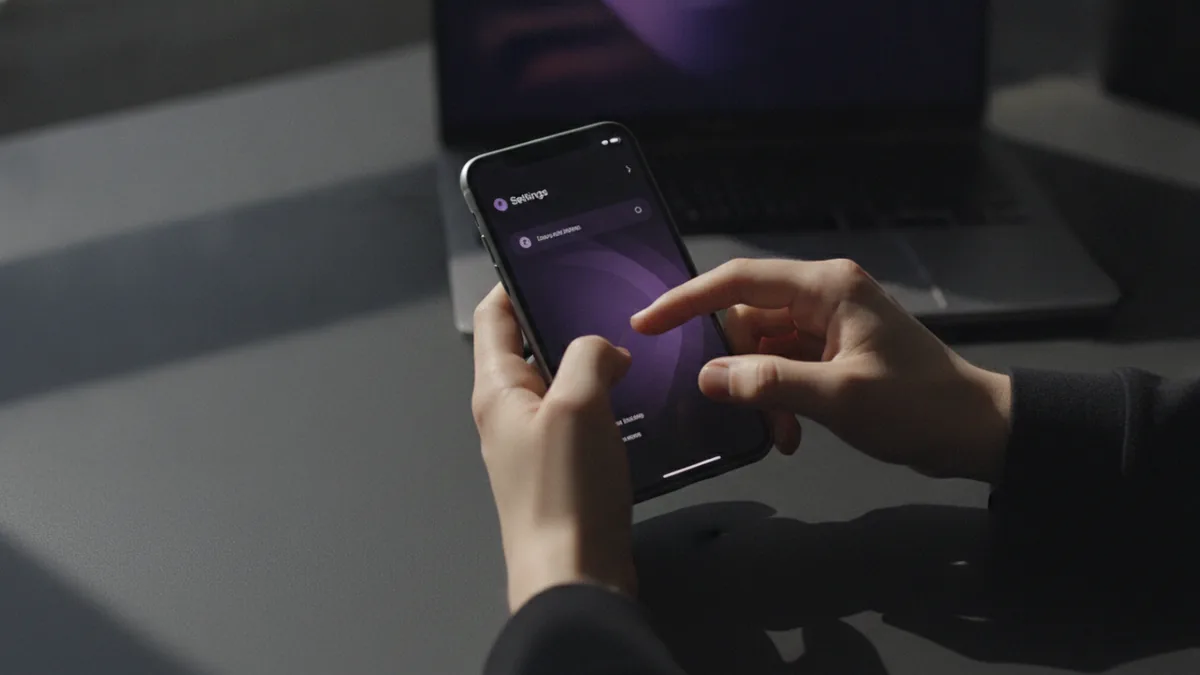
If you are looking for instagram how to add link in bio, start in the mobile app and open your profile settings. The steps are straightforward, but you should plan your target URLs first. That prevents you from swapping links later.
Before you start, write down your link priorities. Since only the first link is prominently displayed, choose the one that matches your current goal. Then pick up to four supporting links for other important offers.
- Open the Instagram app and go to your profile.
- Tap Edit profile.
- Find the field for bio links.
- Paste your first URL, then add the next links up to your limit.
- Save your changes, then view your profile to confirm placement.
After saving, open your profile as a viewer would. Make sure the first link is the one you want to stand out. Also check that each URL resolves correctly on mobile, because that is where most clicks happen.
If you are updating often, keep a short list of approved landing pages. This reduces the risk of sending people to outdated pages. It also makes your bio link strategies easier to refine over time.
Best Practices for Bio Link Strategies
Your bio links should feel intentional, not random. Think of each link as a “next step” for a different type of visitor. Someone who wants a special offer should land on an offer page, not your homepage.
Because only the first link shows clearly, treat it like your main CTA. The rest are your backup choices. That means you should order links by importance for your current campaign.
Here are practical ways to use the five-link limit. Choose one primary goal, then support it with story and value links. This approach also supports user engagement when people want to learn more before buying.
- Promote special offers: Put your best deal first for the next 2 to 4 weeks.
- Highlight brand stories: Send visitors to a “start here” page or about section.
- Drive traffic to valuable content: Link your top post series or guide hub.
- Reduce decision fatigue: Use fewer words and clearer destinations per link.
When you switch campaigns, update the order first. People may already have expectations based on the first link they clicked before. Changing destinations without changing order can still confuse them.
One more detail: avoid linking to pages that need heavy steps to load. Use pages that are mobile-friendly and fast. If your landing page takes too long, clicks will drop.

Using Third-Party Link Tools Like Linktree
Instagram’s five-link limit can feel tight when you want more control. This is where third-party tools like Linktree can help. With a link tool, you use one bio link that opens a page with multiple buttons.
This also helps with customization. You can match the page style to your brand, and you can feature different actions over time. Many link tools also include link analytics, so you can see what gets clicked.
In practice, you get two layers of choice. Your Instagram bio still has up to five slots. But inside your main link tool page, you can present many more options in a focused way.
| Approach | Best for | What you gain |
|---|---|---|
| Direct URLs in bio links | Clear single-goal promotions | Less friction and faster landing |
| One bio link to a link tool | Multiple offers and ongoing campaigns | More options plus customization |
| Hybrid setup | Strong primary offer plus extras | Priority control and extra destinations |
If you use a tool, keep the on-page options tight. Too many buttons can lead to choice overload. Aim for a clean set that matches your most common visitor intent.
Also, treat the link tool page as part of your brand promotion. It is not just a list. It is a small storefront for what matters today.
How to Analyze Bio Link Performance
To improve your link analytics, you need a simple measurement system. Start by tracking clicks from your bio to each destination. If you use direct URLs, you can rely on analytics from your website platform.
If you use a link tool, the tool often provides deeper click reports. You can see which button gets attention and how changes affect results. That makes it easier to test new link orders or new destinations.
For direct links, use unique tracking for each destination. Add tags or use different landing URLs so you can tell what came from Instagram. Then compare performance week over week.
- Track each destination: Use unique URLs or tracking parameters.
- Check trends, not single days: Look for consistent lift.
- Test one change at a time: Change link order or destination, not both.
- Review on mobile: Confirm pages load quickly.
When performance drops, inspect the landing page first. A great bio link cannot rescue a slow or confusing page. Update the hero section and reduce steps if you see high bounce after clicks.
Finally, document what you tried. Even a basic log helps you avoid repeating ineffective setups. Over time, your bio link strategies become more precise.
Promote the Right Content Using Bio Links
Bio links work best when they support a clear reason to click. That reason can be a launch, an education goal, or a way to join your community. If you do not have a reason, clicks will be weak.
Build your link plan around your content calendar. If you just published a guide, link it. If you have a limited offer, link it. If you want more followers to engage, link to the place where engagement is meaningful.
Here are examples that match real goals. Use the first link for your strongest current priority. Then use the remaining links to support the next-most important questions.
- New product: First link to the product page.
- Low-friction trust: Another link to a proof-focused page.
- Lead capture: Link to a sign-up landing page.
- Education: Link to your best how-to content hub.
When you promote, match the landing page message to the expectation created in your bio. If the bio link promises a deal, the page should open with that deal. Consistency reduces confusion and supports conversions.
With practice, you will learn which destinations drive the best user engagement. Then you can adjust your bio link order to match. That simple shift often improves results more than changing every link destination.
Frequently asked questions
- How do I add a link in my Instagram bio using the mobile app?
- Open Instagram, go to your profile, and tap Edit profile. Find the bio link section, paste your URLs, then save. Check your profile afterward to confirm the first link order.
- Why does only one of my Instagram bio links show clearly?
- Instagram highlights the first bio link more prominently on your profile. That is why link order matters for your main call to action.
- Can I edit Instagram bio links from desktop?
- No. Instagram bio link editing is available through the mobile app only. You will need your phone to update the URLs and their order.
- Should I use Linktree or add direct URLs to my Instagram bio?
- Use direct URLs when you have one clear destination per goal. Use a link tool when you need a menu of options plus click tracking.
- How can I track which bio link gets clicks?
- Use analytics on your landing pages, or use link analytics from a link tool. Give each destination a unique URL or tracking tag so you can compare results.
- What links should I prioritize in my Instagram bio?
- Start with your best current offer in the first slot. Then add supporting links for brand story and your most valuable content.
Related reading

How Do You Make Instagram Bio Spaces?
Use line breaks and blank characters to make your Instagram bio easier to scan.

How Do You Change Your Bio Font on Instagram?
Use a Unicode font generator to style your Instagram bio in a few simple steps.

How to Add a Spotify Playlist Link to Your Instagram Bio
Add your playlist, test the link, and help more people find your music.