How to Link Your VSCO in Your Instagram Bio
Follow the steps to link your VSCO in your Instagram bio and get more profile clicks.
Finding your VSCO link
The fastest answer to “how to link vsco in insta bio” is simple. Get your VSCO profile URL, then paste it into Instagram’s Website field. Once it’s in place, visitors can tap your link and land on your VSCO profile.
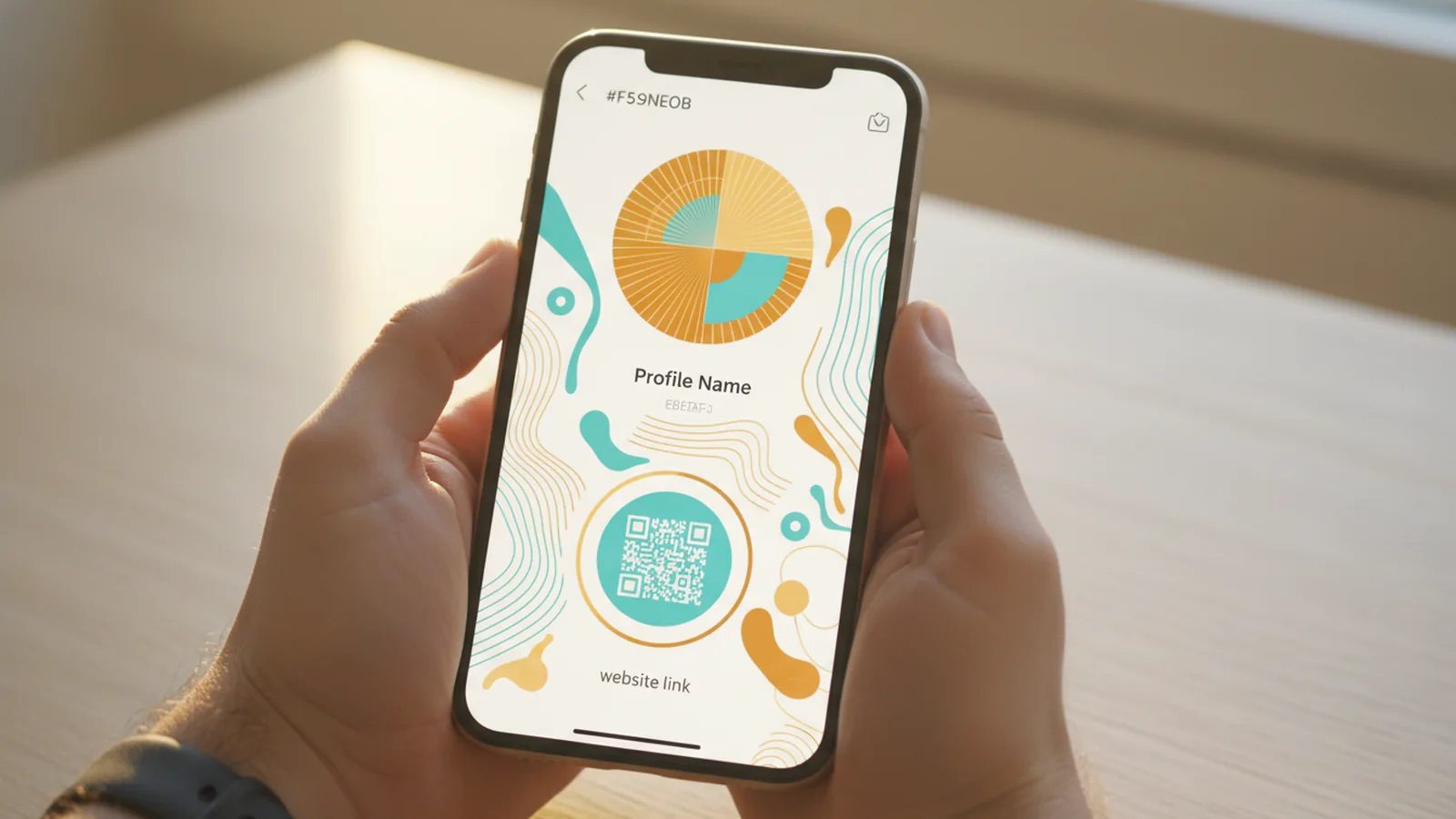
Start inside the VSCO app. Open your profile, then look for a way to share your profile link. On many accounts, you can copy the link straight from the share option, which avoids mistyping characters in your URL.
If copying is not obvious, you can still type it manually. Use your VSCO username to build your profile link, then paste that exact address into Instagram. This is also useful if you are on a device where copy actions feel unreliable.
- Copy method: open your VSCO profile → use the share option → copy the profile link.
- Manual method: type your VSCO profile link using your username.
Double-check the link before you paste it. A missing letter or extra slash can send people to a broken page. Take 10 seconds to verify you land on the right VSCO profile.
Adding the VSCO link to your Instagram bio
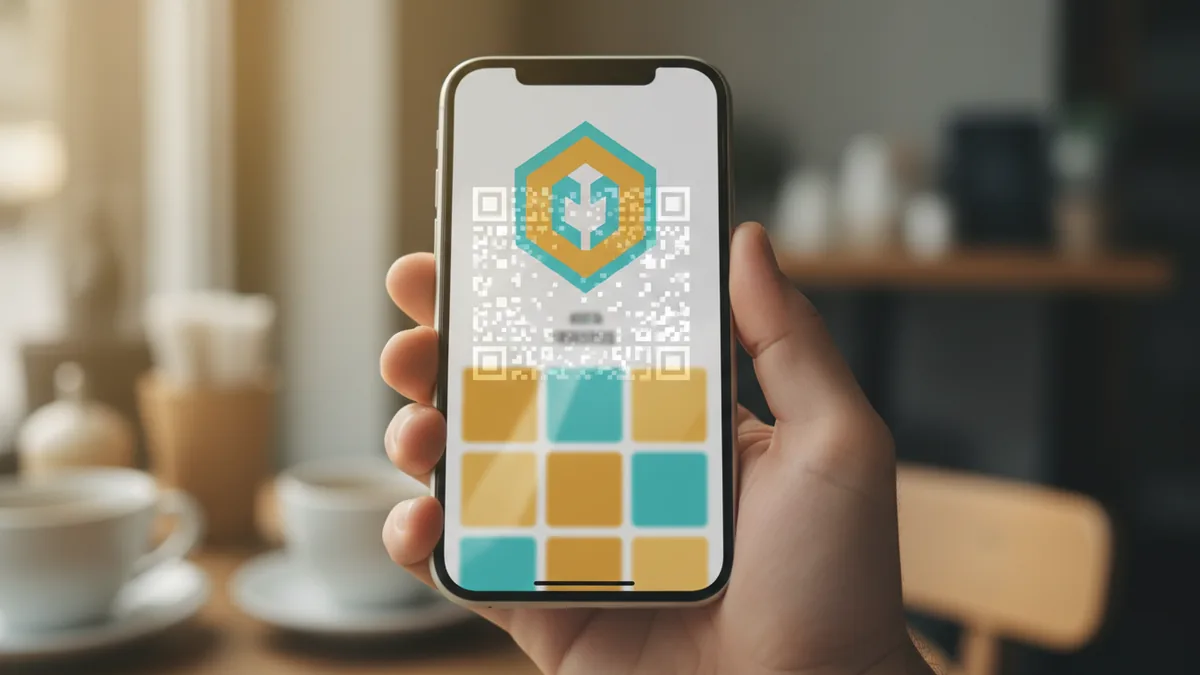
To answer “how do i link my vsco in my instagram bio,” open Instagram and edit your profile. Tap Edit profile, then find the field labeled Website. This is where Instagram accepts external profile links.
Next, paste your VSCO URL into the Website field. If you copied it from VSCO, the paste step is quick. If you typed it manually, paste carefully and then pause to confirm it looks correct.
When you save, Instagram updates the button people tap. Some users only notice the link after opening the profile, so don’t assume it’s “live” until you view your bio on your own account.
- Open your Instagram profile.
- Tap Edit profile.
- Go to Website.
- Paste your VSCO link.
- Tap Done or Save.
One more practical check: open your public Instagram profile in a new tab or from another account. That helps you confirm the link works for visitors, not just you while you’re editing.
Getting people to click the link
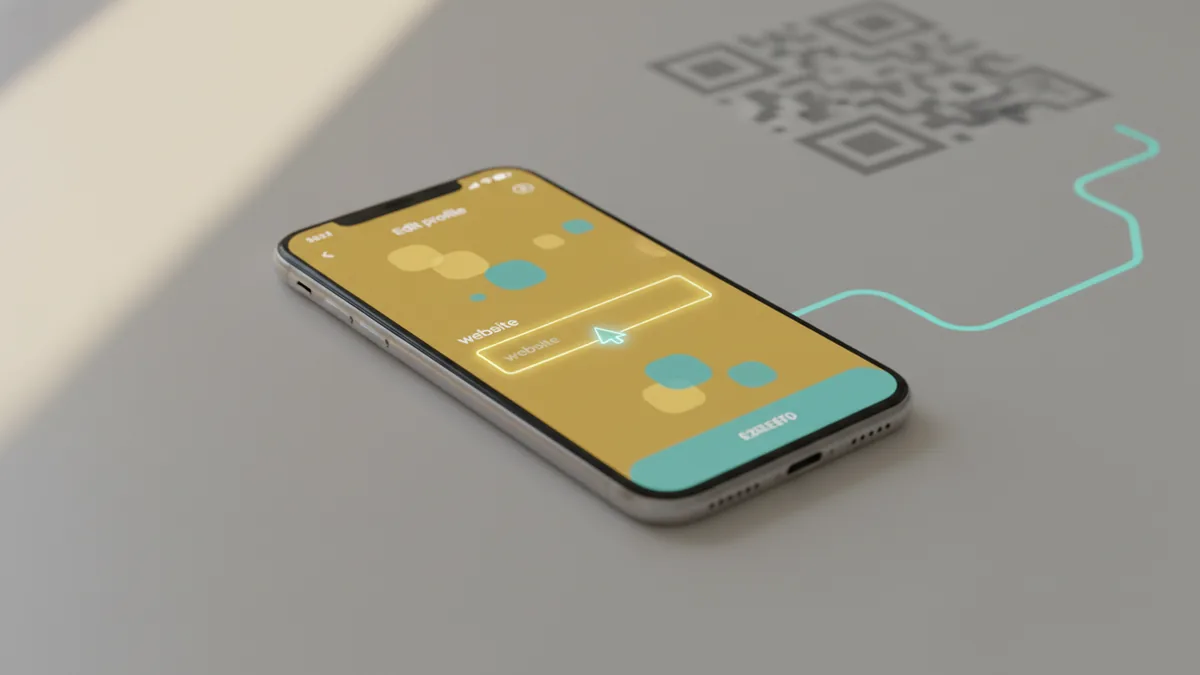
People rarely click a link just because it exists. So when you’re learning how to link vsco in bio, plan the line of text that explains why it matters. Give visitors a reason to trust the link and a clear sense of what they will see.
Add context directly in your Instagram profile bio. For example, tell them the style of your photography, how often you post, or what they can expect when they arrive. If your VSCO is where you share edits or project updates, say that plainly.
Clear calls-to-action can increase engagement and clicks. Use a short prompt that matches real intent, like “See recent edits” or “Browse my latest series.” Keep it specific, not vague.
- Context first: “Behind the scenes edits and full photo sets on VSCO.”
- Set expectations: “New posts weekly” or “Series drops monthly.”
- CTA: “Tap the link to browse my latest work.”
Also, keep your bio readable on small screens. If your bio is long, the link explanation may get cut off. Prefer one or two strong lines that support the link.

Best practices for Instagram bio optimization
Bio optimization is not about stuffing keywords. It’s about reducing friction for a visitor who is deciding whether to follow you. Your Instagram profile should answer three questions quickly: who you are, what you post, and where to go next.
Try aligning your Instagram profile with your VSCO identity. If your VSCO is polished and curated, your Instagram bio should signal curation too. If your VSCO is more personal, say that in a line so the audience knows what tone to expect.
Here are bio improvements that tend to boost user engagement strategies without feeling spammy. Use them to make your link more “clickable” in practice.
| Bio element | What to do | Example |
|---|---|---|
| First line | State your creative focus | “Film-inspired city photos & edits.” |
| Second line | Explain what lives on VSCO | “Full sets, color grades, and process.” |
| CTA line | Tell people what the link does | “Tap to view my latest gallery.” |
Remember that Instagram only shows the link in the Website area. If users don’t understand that it leads to VSCO, you have to help them with your text. That is why “how do you link your vsco in your instagram bio” is really about both the URL and the explanation.

Using landing pages to connect platforms
If you want more than a single link, consider creating a landing page. A landing page can combine link sharing for your VSCO plus other profiles like your Instagram highlights, newsletter, or portfolio. This can make the “tap” decision easier, especially if someone finds you from a post and wants a fuller view.
The benefit is control. Instead of sending people to only VSCO, you can guide them through your work in one place. Many creators use a landing page to highlight the most recent series, best-performing posts, or a simple “start here” section.
When you use a landing page, it becomes the thing you paste into Instagram’s Website field. Then your bio explains that the link is a hub. This approach can improve user experience, even if VSCO is still your main destination.
- Single destination: link directly to VSCO for focus.
- Hub approach: link to a landing page that includes VSCO and other links.
Choose one based on your goal. If you want maximum simplicity, link straight to your VSCO profile. If you want discovery across multiple platforms, use a landing page so visitors can explore without hunting around.
Finally, keep testing. After you change your bio, check that the link opens the correct page on mobile. Most profile visits happen on phones, and the experience should feel instant.
Frequently asked questions
- How do I link my VSCO in my Instagram bio?
- Open Instagram and tap Edit profile. Paste your VSCO profile link into the Website field, then save your changes.
- How do you link your VSCO in your Instagram bio if I can’t copy the link?
- Type your VSCO profile URL manually using your VSCO username. Paste that exact address into Instagram’s Website field.
- Where do I find my VSCO profile link in the VSCO app?
- Go to your VSCO profile and use the share option to copy your profile link. If you don’t see copy, use your username to build the profile URL.
- What should I write in my Instagram bio to get more clicks to VSCO?
- Add one line that explains what visitors will find on your VSCO. Then include a short call-to-action like “Tap the link to view my latest gallery.”
- Should I link directly to VSCO or use a landing page?
- Link directly if you want one clear destination. Use a landing page if you want to bundle VSCO with other links in one hub.
- Why is my VSCO link not working from Instagram?
- Most issues come from a mistyped URL. Verify the link opens your VSCO profile on mobile after saving your Instagram changes.
Related reading

How to Change Your Xbox Bio on Console or Mobile
Edit your Xbox bio on console or mobile, then make it memorable with a few simple tips.
How to Put a Clickable Link in Your TikTok Bio
Add and test a TikTok bio link, or use a hub for several destinations.
How Do I Customize My Instagram Bio?
Make your Instagram bio clear, useful, and easy to remember.