How to Add Your Etsy Shop Link to Your Instagram Bio
Step-by-step: add your Etsy shop link to your Instagram bio and promote it with better posts.

Why your Etsy link belongs in your Instagram bio
If you want Etsy shop promotion from Instagram, your bio link is the fastest path. People see your posts, tap your profile, and look for one clear next step. A working link turns interest into clicks without asking followers to search.
Instagram links also help with user engagement through Instagram. When your bio matches what your latest posts show, followers know the product is real and available. This reduces friction compared to messaging every person one by one.
Even if you sell via affiliate marketing links, the logic is the same. Put the best “next click” where most viewers will look first. That is your social media bio.
How to copy the correct Etsy URL for your bio
To add Etsy shop link to instagram bio, start with the exact URL you want people to land on. You can link your shop homepage for broad browsing. You can also link a specific listing page for a single featured item.
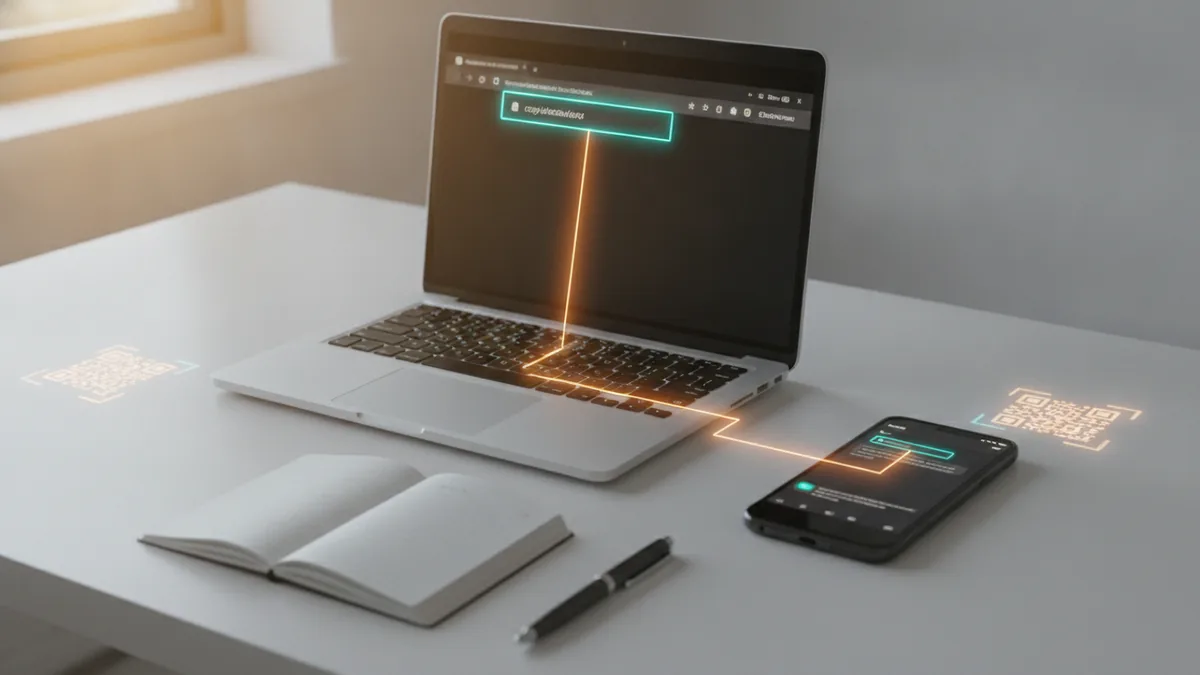
Use the Etsy address from your browser address bar, or tap “Share” on Etsy and copy the link. For Instagram bios, keep the link clean and complete. Remove any extra spaces and avoid copying text with tracking or broken formatting.
Here are practical formatting tips that prevent the most common mistakes. They also help when you later learn how to put etsy link in tiktok bio using the same URL logic.
- Copy the full URL, including the https:// part.
- Prefer one URL, not multiple links separated by commas.
- Avoid copying a “short” link unless it reliably redirects to Etsy.
- If you link a listing, make sure it is the public listing URL.
- Test the link on your phone before publishing.
Also decide what you want to optimize. A shop link supports browsing and repeat visits. A listing link supports one-time conversions from a specific post.
Steps to add your Etsy link in the Instagram bio
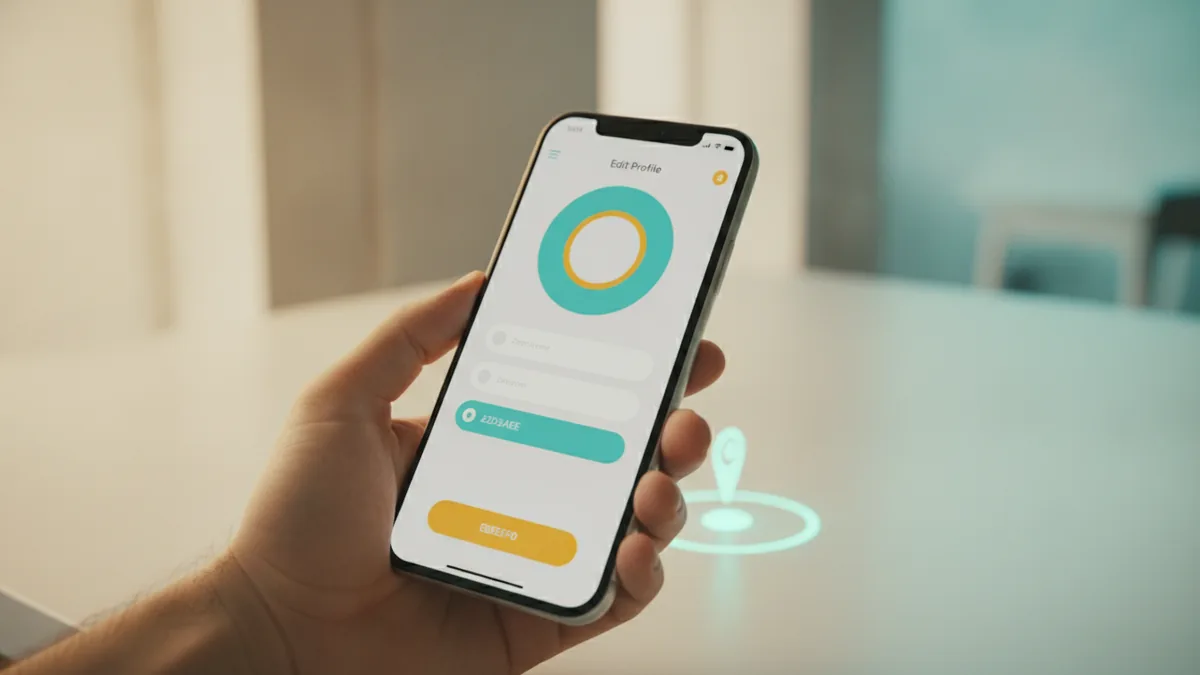
The process is short, but the details matter. This method to link etsy in instagram bio works for normal Instagram profiles where you can edit your bio fields. The goal is to put your Etsy URL into the website field.
- Open the Instagram app and go to your profile.
- Tap “Edit profile” (or “Edit” depending on your screen).
- Find the “Website” field in your profile settings.
- Paste your Etsy URL into the Website field.
- Tap “Done” or “Save” to publish the change.
After you save, view your profile as a follower would. Tap the link to confirm it opens your Etsy page in a new tab or browser view. If it fails, fix it immediately while you still remember what you pasted.
If you do Etsy shop promotion with specific content, rotate what you link. For example, link a new seasonal listing when you post it. Then switch back to your shop homepage after the campaign ends.
Alternative methods for sharing Etsy links beyond the bio
Your Instagram bio is powerful, but it is not the only way to share Etsy products. Some sellers use Link tree services or similar pages so one bio link can serve many destinations. This is useful if you promote multiple products, affiliate marketing links, or seasonal collections.
Another option is to drive clicks from specific post formats. Use Stories with a “link” option where available, and add clear calls to action in captions. For posts, place a product hint in the caption and then point to your bio link for the full shop.
When you need a more focused path, consider linking a single Etsy collection. This keeps user clicks aligned with the content they just saw. It also works well for content strategies for Etsy sellers that build around themes like “gift ideas” or “custom orders.”
| Sharing method | Best for | Trade-off |
|---|---|---|
| Direct Etsy shop link in bio | Clear browsing and repeat traffic | Less targeted for one product |
| Direct Etsy listing link in bio | One featured item conversion | Needs updates when promos change |
| Link tree services | Multiple products and affiliate links | More steps before Etsy |
| Collection links | Theme-based Etsy shop promotion | Less variety per click |
Troubleshooting common Instagram bio link problems
Most issues are small, but they can kill clicks. If your add etsy shop link to instagram bio update does not work, start with the simplest checks. These steps catch the majority of failures fast.
First, confirm the URL is correct and complete. If you copied it from Etsy, verify it starts with https://. Then test it on your phone from your own profile.
Second, watch for redirect problems. Some “share” links can redirect through extra tracking pages. If that causes an error or slow load, paste the direct Etsy URL instead.
- Link opens the wrong page: re-copy the listing or shop URL from Etsy.
- Link shows an error: remove extra characters and paste again.
- Link is not clickable: ensure it is in the Website field, not a text-only line.
- Link opens in a way that confuses users: check how it displays on mobile.
- Link changed but people still see the old page: wait a few minutes and refresh.
Also remember Instagram may cache profile data. If you updated the bio and you do not see the change right away, exit and re-open the app. If it still fails, try saving after pasting again with no extra spaces.
Best practices for promoting Etsy on Instagram
Linking your Etsy shop is only one part of Etsy shop promotion. The content you post determines whether people click. Use Instagram marketing strategies that match what shoppers want when they land on Etsy.
Start with content that answers key questions. Show close-up photos, packaging details, and “in-use” scenes. Then connect those visuals to the link you set in your bio.
Next, build a simple content loop. Post the product, then post proof, then remind people to click. If you do affiliate marketing links, label them clearly in your Stories so trust stays high.
- Put the product in the first line of your caption, then add one clear call to action.
- Pin a comment that tells people what the link leads to.
- Use Stories for updates, restocks, and delivery timelines.
- Match the bio link to the current campaign or best-performing post.
- Track clicks by testing different links during different weeks.
If you post regularly, your followers learn your pattern. They see a preview and know where to go next. That is user engagement through Instagram with less confusion and fewer DMs.
Finally, keep your bio simple. If you use a Link tree services page, make sure each button is clear and relevant. Use one hero item as the main call to action, then add backups.
Quick reminder: When you switch your bio link, tell your audience once. A simple Story like “New item is live - link in bio” can boost clicks immediately.
Frequently asked questions
- How do I put an Etsy link in my Instagram bio?
- Open Instagram, go to Edit profile, paste your Etsy URL into the Website field, then save. After saving, tap your link to test that it opens the correct Etsy page.
- What Etsy link should I use for Instagram, my shop or a specific listing?
- Use your shop link for broad browsing and repeat visits. Use a listing link when you want followers to buy one featured item from a specific post.
- Why is my Etsy link not clickable in my Instagram bio?
- It may be pasted into the wrong field or include extra characters. Re-copy the full https:// URL from Etsy and paste it into the Website field, then save again.
- Can I use the same method to link Etsy in my TikTok bio?
- Yes. TikTok also accepts a URL in its profile link field, so you can paste the same Etsy shop or listing URL. Always test it on mobile after you save.
- What is a good alternative if I want multiple Etsy links in my bio?
- A Link tree services page lets you share one bio link that leads to many destinations. This is useful when you promote multiple listings or affiliate marketing links.
- How can I promote my Etsy shop effectively with Instagram content?
- Post clear product photos, show proof like in-use shots, and point people to the bio link. Update the bio link for campaigns and use Stories to remind followers when items go live.
Related reading

How Do You Make Instagram Bio Spaces?
Use line breaks and blank characters to make your Instagram bio easier to scan.

How Do You Change Your Bio Font on Instagram?
Use a Unicode font generator to style your Instagram bio in a few simple steps.

How to Add a Spotify Playlist Link to Your Instagram Bio
Add your playlist, test the link, and help more people find your music.