How to Use Links in Your Instagram Bio (Add, Arrange, Optimize)
Add up to five links, arrange them for clicks, and fix bio link issues.
Introduction to Instagram Bio Links
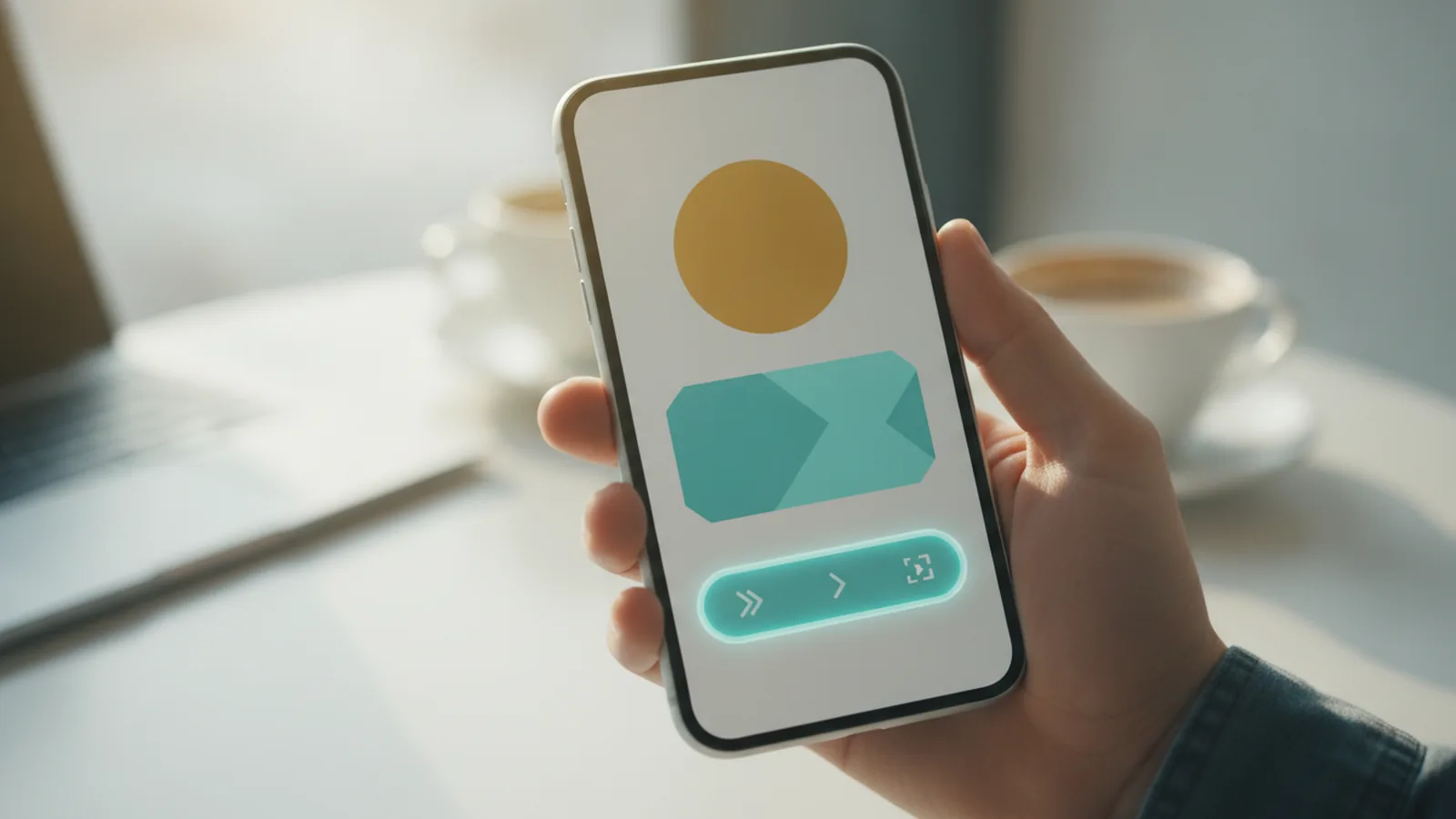
To get more clicks, start with one simple goal. Make it obvious where people should go next. Instagram lets you add up to five links in your bio, so you can guide both new visitors and returning fans. Use those slots intentionally.
Most accounts waste this space by adding random URLs. Then visitors bounce because nothing matches their intent. Bio link optimization is really about matching the link to what someone wants right now. That could be a promo, a signup, or your newest post.
- First link is most visible
- Up to five links are supported
- Links should match visitor intent
- Track results with link tools

How to Add Links in Your Bio
Here is how to make links work on Instagram bio using the mobile app. You will add URLs one by one, then save changes. Instagram updates often, so use this flow as your baseline. If you do not see the option, your app may need an update.
Do this step-by-step on your phone. The labels may vary slightly by account type, but the structure stays the same. Take a minute to confirm each link opens correctly before you publish.
- Open the Instagram app and go to your profile.
- Tap Edit profile.
- Find the section for Bio or Links.
- Tap Add link (or Add external link).
- Paste your URL and add a short display label.
- Repeat until you reach five links.
- Tap Done or Save.
- Test the live profile by opening it in a separate view.
If you are asking “why don’t links work in my instagram bio,” test your URL first. Some links are blocked by platform rules or redirect too many times. Also check that you pasted the full address, including https://.

Arranging Links for Maximum Impact
Arranging links is where most gains happen. The first link is prominently displayed and tends to get the most taps. That means your top slot should match your highest-converting goal. Examples include a current promotion or your newest launch page.
Think in visitor intents. New visitors want proof and a next step. Returning visitors want the latest offer or the fastest path to purchase. Use your remaining four links to cover those moments without forcing people to search your feed.
| Link slot | Best use | Example |
|---|---|---|
| 1 | Main CTA | Limited-time promotion page |
| 2 | Product or service hub | Pricing or collection page |
| 3 | Content series | Latest YouTube playlist or guide |
| 4 | Community or signup | Email list signup |
| 5 | Support or next action | Book a call or FAQ |
When you update your campaigns, reorder your slots. Do not just replace the last URL. If you do, the most visible link stays stale and your click-through rate drops.
Best Practices for Bio Links
Use these links in your bio strategies to improve engagement and conversions. The biggest win comes from pointing people to one clear action. Avoid sending visitors to pages that do not load fast or do not match the promise you made on your profile.
Here are practical links in instagram bio tips you can apply today. Choose a goal, then design the landing page around it. Your bio link should reduce steps, not add them.
- Direct to promotions when you have a timed offer.
- Direct to product launches with a single buy or signup flow.
- Direct to content that matches what your audience posts about.
- Keep URLs clean to avoid broken redirects.
- Use matching labels so people know what they will get.
Also plan for social media engagement. If your last Reel teased a webinar, your top link should reflect that. That alignment lifts user conversion rates because the tap confirms the expectation. When your profile and link lead the same direction, people feel safe clicking.
Do not ignore profile link management. If you rotate offers every week, keep a simple schedule. For example, update slot one every Monday, and only adjust other slots when the campaign changes.
Using Third-Party Link Tools
Third-party tools can help when you need more than five destinations. They also make bio link optimization easier. Platforms like Linktree and Campsite.bio let you create a branded landing page with multiple buttons, plus analytics.
One key advantage is engagement analytics. Instead of guessing which URL gets taps, you can see click performance by destination. That helps you adjust your order based on real data, not instincts. It also supports A/B-like testing when you swap offers.
Customization is another advantage. You can match the style of your landing page to your Instagram marketing. This can make the whole flow feel cohesive, which usually improves social media engagement signals.
If you are worried about being a Linktree alternative, do not overthink it. The goal is not the tool. The goal is a clean path from bio tap to the result you want. Still, using a tool can reduce broken links when you manage many campaigns.
Common Issues with Bio Links
If your links do not work, start with the most common causes. Many problems are simple mistakes like missing the protocol or pasting a shortened URL. Others are platform restrictions or landing pages that block mobile browsers.
Here are the typical reasons and fixes. Use this as a quick troubleshooting guide when you ask “how to get links to work in instagram bio.”
- Wrong URL format: Use the full https:// link.
- Over-aggressive redirects: Reduce redirect hops on your landing domain.
- Landing page not mobile-friendly: Test on a phone with slow data.
- Link label mismatch: Update the label so it promises the right result.
- App cache or version: Update Instagram and retry after a restart.
- Business or feature mismatch: Recheck the profile edit options in your account.
Sometimes people ask “how to make links work in tiktok bio” when they mean Instagram. The idea is similar, but the settings are different. For Instagram, you must add links through the profile edit flow, not by pasting links in the bio text.
If you are asking “why won’t links work in my instagram bio,” test the link in a new browser session. Then open your profile and tap the link on your phone. If it opens there but not for others, the issue is likely your test method. If it fails everywhere, the problem is usually the URL or landing page setup.
Conclusion and Next Steps
Getting links to work in instagram bio comes down to three things. Add your URLs in the app, arrange them by importance, and make sure the landing pages are ready. Then track clicks so you can improve over time.
Your next step is to audit your current five slots. Put the strongest offer in the first slot. Make the remaining slots cover the most common reasons people visit your profile.
Finally, test often. Update your top link when campaigns change. If you use a tool, watch engagement analytics and reorder based on performance.
Once your setup is stable, you will spend less time fixing broken taps. You will also make more taps turn into signups and sales.
Frequently asked questions
- How many links can I add to my Instagram bio?
- Instagram lets you add up to five links in your bio. Use them for your most important destinations.
- How do I get links to work in Instagram bio from my phone?
- Open your profile, tap Edit profile, then add link entries in the link section. Save your changes and test the tap on your live profile.
- Why don’t links work in my Instagram bio even after I add them?
- Common causes include an invalid URL format, heavy redirects, or a landing page that fails on mobile. Also check you updated the Instagram app and saved the changes.
- Why won’t links work in my Instagram bio for other people?
- Test the exact same URL in a private browser session and tap it from your live profile. If it fails for everyone, the issue is your link or page, not your device.
- How should I arrange links in my Instagram bio for more clicks?
- Put your highest priority CTA in the first slot. Then use the remaining links to match other common intents like product pages, content, and signup flows.
- Should I use a Linktree alternative for my Instagram bio links?
- If you need more destinations or want engagement analytics, a third-party tool can help. Choose one that makes your path from tap to action faster, not slower.
Related reading
How Do You Add Public Figure to Your Instagram Bio?
Add Public Figure to Instagram with the right account type and bio setup.

Can You Put Multiple Links in Your Instagram Bio?
Add up to five useful links to your Instagram bio with these simple steps.
What Does Link in Bio Mean on Instagram?
Find the Instagram bio link and turn it into a useful path for followers.