How to View and Use the Link in Your Instagram Bio
Find the link in bio, understand where it sits, and use it to drive engagement.
Understanding Instagram Bios
To view the link in bio on Instagram, open the person’s profile, tap their username, then look for the website or Links button in their bio area. If the profile has multiple destinations, a Links button may appear instead of a single website. That difference matters for how you navigate the external link.
Instagram bios are the only place in the app where accounts can place an external link. Feed posts, Stories, and Reels can drive clicks, but they do not offer a standard place for outside URLs. So when you want to take action off-platform, the bio link is usually the entry point.
Design details vary by Instagram account type and layout. A person’s bio may show a plain website line, or it may show a button that reveals several destinations. Knowing what to look for saves time, especially when profiles use different button placements.
- Most accounts show a website or a button in the bio section.
- Tap the profile username area to reveal profile info.
- Expect different button layouts across account types.
Where to Find the ‘Link in Bio’
Start by navigating to the profile you want to check. You can open it from a search result, a follower list, or by tapping the username from a post. The goal is to reach the profile screen where the bio text and link area appear.
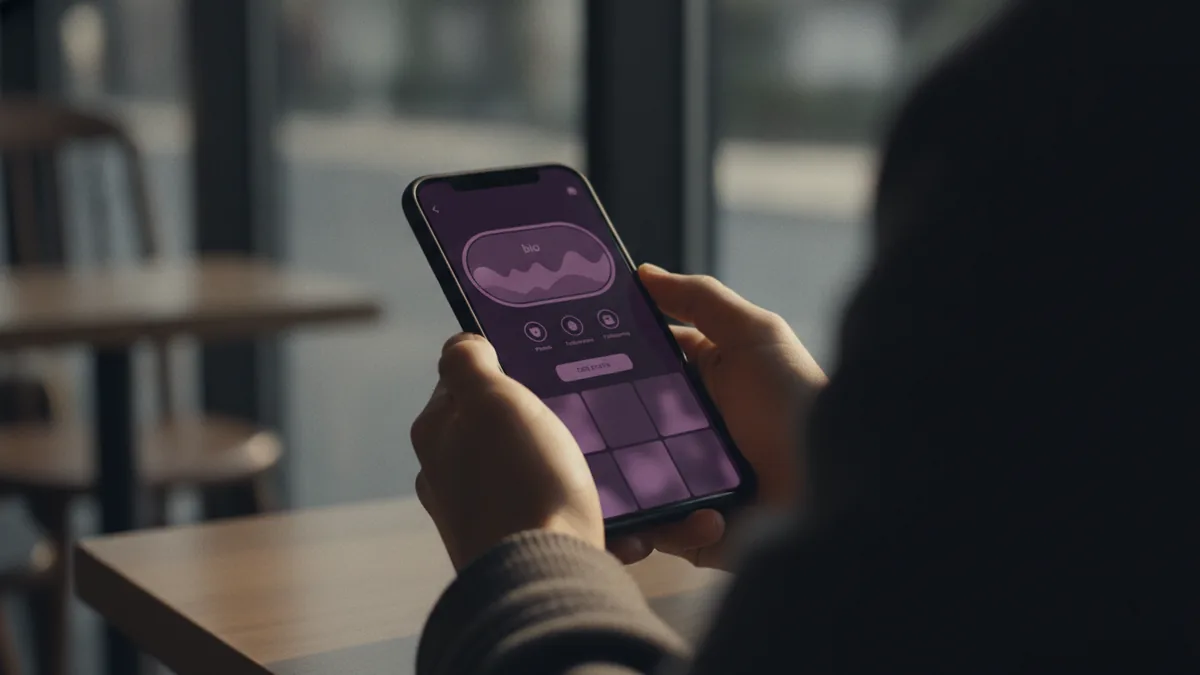
If you are trying to do an instagram how to see bio lookup on a profile, tap the username to view profile information. Then scan the bio area right under the name and follower details. On many profiles, you will see a website line, often displayed as a URL shortcut.
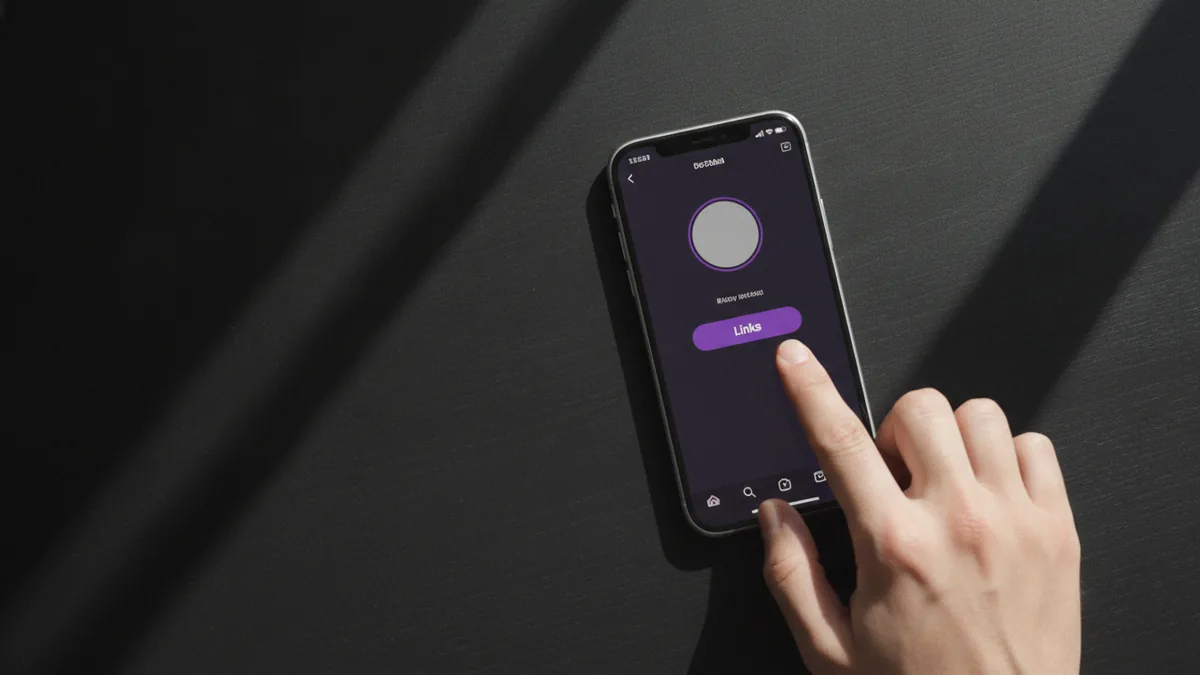
The exact link element can vary. For some accounts, the link shows as a single website link. For others, especially creator and business accounts, you may see a button labeled Links. That button usually opens a small set of destinations.
- Open the profile you want to view.
- Find the bio area under the profile name.
- Look for either a website link or a Links button.
- Tap the link element to open the external destination.
Because button placement changes, users often miss the link. Some profiles place it directly in the first bio lines. Others keep it lower, near highlights, follower stats, or action buttons.
How to Add or Change Your Bio Link
If you are the account owner and you want to update the bio link, you must do it in the Instagram app on a phone. The editing tools rely on the mobile interface, so you cannot complete link editing on desktop. Plan to make changes from your iOS or Android device.
Next, identify your Instagram account type. Personal accounts typically support one website link, while creator and business profiles can offer a Links button that reveals multiple destinations. That difference changes both what you can add and what visitors will see.
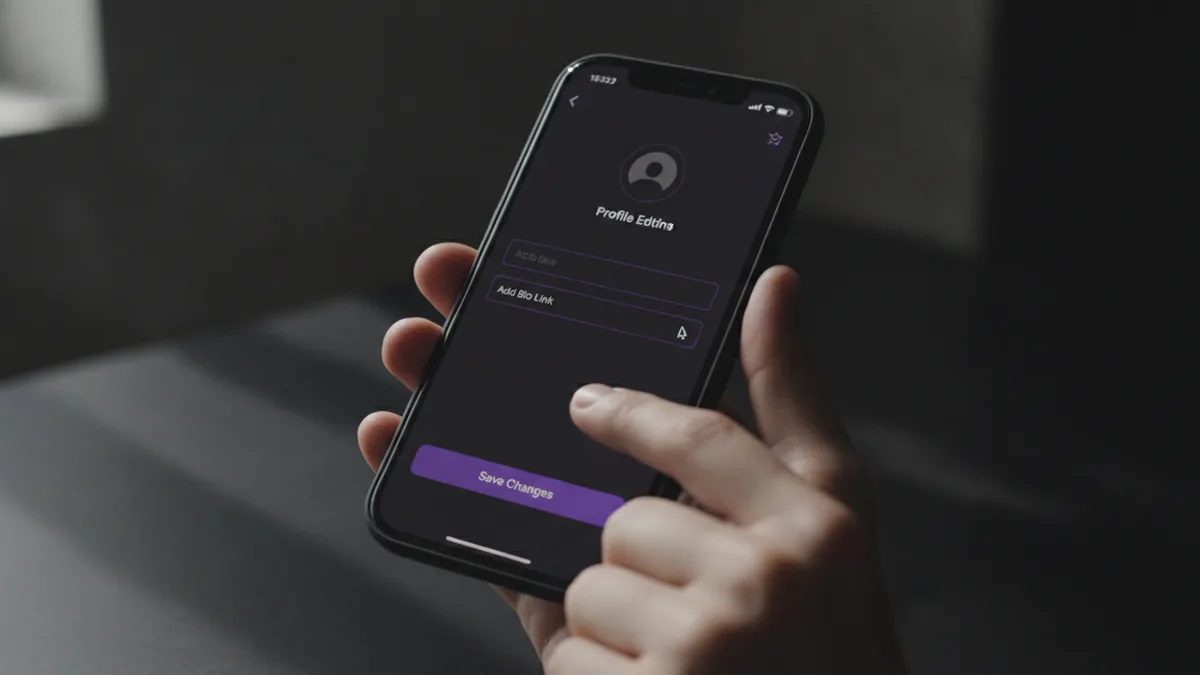
Once you have the right account type in mind, update the link through profile editing. You will add a URL (or URLs, depending on account type), save your changes, then check your own profile from a logged-in and logged-out view. This catches formatting issues early, like links that do not open or targets that redirect too slowly.
Here is a practical workflow to keep your link accurate. Edit it in the app, save, then confirm it appears in the bio where users expect it. After that, test tap flow by opening it from your own profile as a visitor would.
- Update your bio link inside Instagram mobile, not on desktop.
- Personal vs Business profile affects whether you get one link or multiple.
- After editing, verify the tap-to-open flow works.
If you use multiple destinations, keep them focused. People want one next step, not a mini directory with five equally important options.
Tips for Optimizing Your Bio Link
To improve clicks, make the link destination match the reason people land on your profile. If your bio promises a free guide, your link should go to a free page. If your bio mentions an offer or event, your link should point to the most current landing page.
Link optimization is not just about the URL. It also includes what the page does after the click. Use a mobile-friendly landing page, keep load time short, and ensure the main action is visible without scrolling.
For creators and businesses that use a Links button, you can structure choices. Put your most important destination first, then add supporting options behind the secondary items. This reduces decision fatigue while still offering paths for different interests.
Also consider user engagement strategies that align with the bio link. For example, you can mention a specific offer in your post captions and then confirm the offer details with the bio destination. That connection helps users understand why they should tap.
| Goal | Bio link approach | Why it helps |
|---|---|---|
| Drive signups | Point to a single sign-up landing page | Reduces clicks and drop-off |
| Show multiple services | Use Links button on creator or business profile | Offers choices without cluttering text |
| Share a content hub | Use a page that lists the latest posts or resources | Matches “what’s new” intent |
Finally, keep your bio link updated when campaigns change. Outdated links cost clicks, because users often do not try again after they hit a stale page.
Common Issues When Accessing Bio Links
One frequent problem is confusion about where the link actually is. Some profiles show a website line, while others show a Links button. If a visitor cannot find the link in bio, they may assume the profile has no external destination.
Another issue is link visibility. The website or Links element can be lower than expected, depending on how the bio and action buttons stack. Users may also be viewing a slightly different layout, based on device screen size.
People also run into external navigation problems after tapping. The destination may take users to a login wall, redirect multiple times, or load slowly. These failures feel like a broken link even when the Instagram side is correct.
If you are trying to view instagram bio link targets and they do not open, try this sequence. Refresh your app, test on mobile data and Wi‑Fi, and try tapping the link from the profile screen again. Also check whether the destination is blocked by location rules or requires a browser behavior that Instagram does not support well.
- Different profiles show different link layouts.
- Button placement can make the link easy to miss.
- Destination pages can fail even if Instagram link works.
Lastly, note that profile editing changes can lag. If you recently updated your bio, re-check your profile after saving. Sometimes it takes a little time for the new destination to appear consistently.
The Importance of Bio Links in Engagement
Bio links matter because they are your main off-platform doorway inside Instagram. They turn profile interest into an action, like joining a list, reading an offer page, or booking a call. Without a clear bio link, you rely on indirect signals and lose momentum.
But bio links can also dilute attention if you include too many destinations. When there are multiple paths, users choose slower. Some visitors will not click at all if they feel unsure which option to pick.
This is why a focused link strategy improves user engagement strategies. Use fewer options when the audience intent is clear. Use multiple options only when people genuinely have different reasons for visiting your profile.
For visitors, understanding how to find instagram how to see bio links makes navigation smoother. For owners, knowing where the link sits and what visitors see helps with profile editing. Either way, better link placement and better destination alignment increase the chance that users complete the next step.
In short, the link in bio is not just a URL field. It is part of your profile design, your external link navigation path, and your engagement funnel in one place.
Frequently asked questions
- How do I view an Instagram bio link on someone else’s profile?
- Open the person’s profile, then look in the bio area under their name. Tap the website link or the Links button to open the destination.
- Where do I find the link in bio on Instagram?
- On most profiles, it appears in the bio area under the name. Some accounts show a website line, while others show a Links button.
- Why can’t I see the bio link on a profile I’m viewing?
- The link may be lower than expected or shown as a Links button instead of a single website line. Also check the account type layout and your screen size.
- Can I add or change my Instagram bio link from a computer?
- No. You must edit your bio link through the Instagram app on a phone.
- Do personal and business Instagram accounts show different bio link options?
- Yes. Personal accounts typically use a single website link. Creator or business accounts can show a Links button for multiple destinations.
- Does having multiple bio links help or hurt engagement?
- It can hurt if users face too many choices. Focus on a small set of destinations so visitors can pick a next step faster.
Related reading

How Do You Make Instagram Bio Spaces?
Use line breaks and blank characters to make your Instagram bio easier to scan.

How Do You Change Your Bio Font on Instagram?
Use a Unicode font generator to style your Instagram bio in a few simple steps.

How to Add a Spotify Playlist Link to Your Instagram Bio
Add your playlist, test the link, and help more people find your music.