Where Is the Link in Bio on Instagram?
Find your Instagram bio link, fix issues, and turn profile visits into clicks.
What the Instagram Bio Link Does
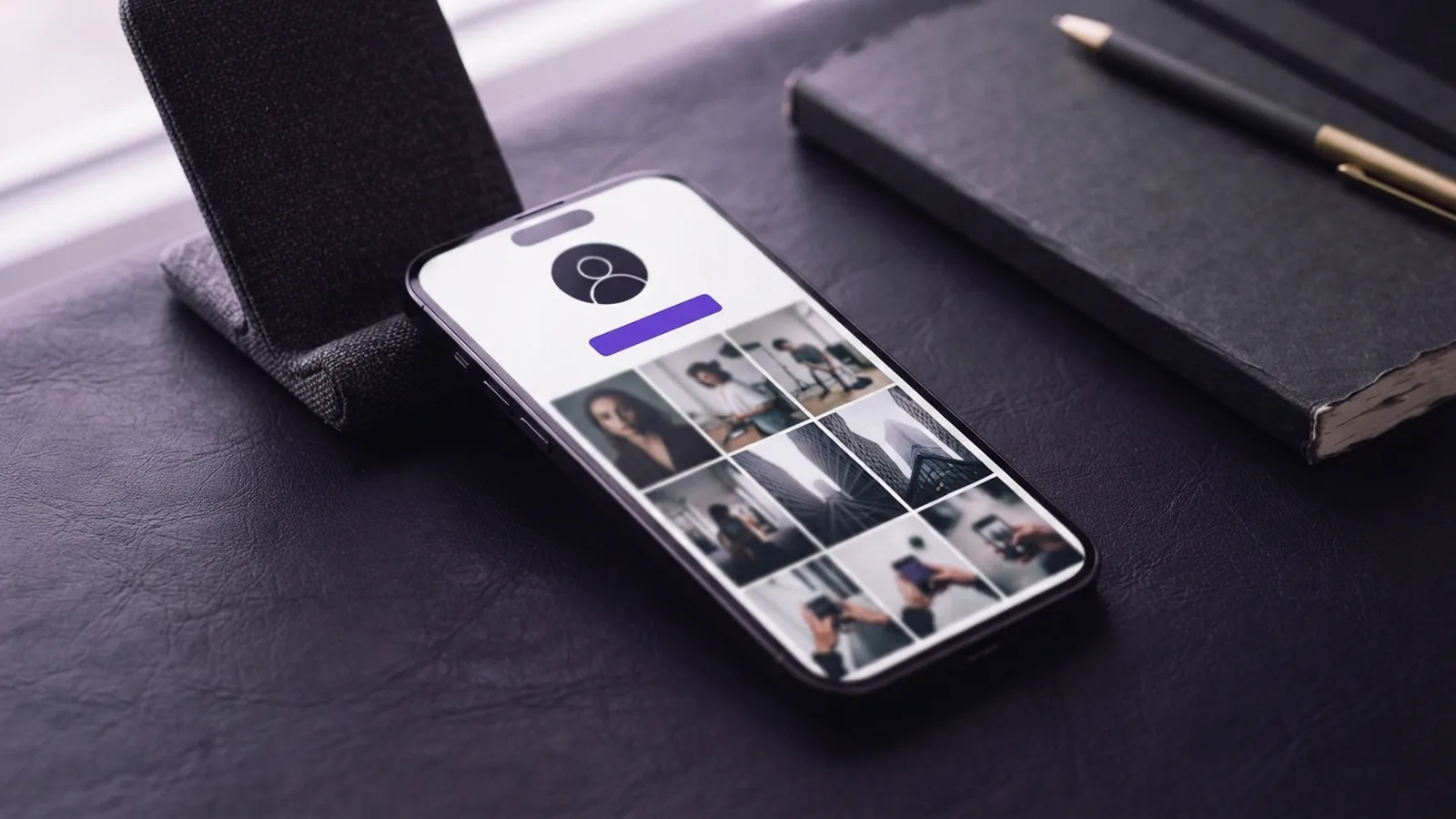
The Instagram bio link sits on your profile page below your bio text. Open a profile, then look for a website field or a Links button. Tap it to visit the listed destination.
Instagram limits most profiles to one main clickable link in this space. That link can send followers to a shop, newsletter, booking page, or article. It acts as your main path from Instagram to outside content.
The exact Instagram bio link location can vary by account type. Personal accounts usually show one website field as plain text. Creator and business accounts often show a separate Links button.
Instagram changes its layout from time to time. Your app version, region, and account setup can also affect what you see. This explains why guides may show screens that do not match your profile.
| Account type | What visitors may see | Best use |
|---|---|---|
| Personal | One website field | A single clear destination |
| Creator | A Links button | Content, offers, and contact paths |
| Business | A Links button and contact options | Sales, support, and lead capture |
How to Find the Link in Bio

To find where the link in bio is on Instagram, start with the profile itself. The steps differ slightly between viewing a profile and editing your own.
Find another account’s link
- Open Instagram and visit the account’s profile.
- Read the bio area below the account name.
- Look for a website line or a Links button.
- Tap the link and check the page before taking action.
Some accounts have no link at all. Others place a link inside a story, post caption, or highlight. A caption URL may not open as a clickable link, so check the profile first.
Find or edit your own link
- Open your profile and tap Edit profile.
- Look for Links or Website.
- Review the current address for spelling and accuracy.
- Save the change, then test it from your public profile.
For a current view of profile link controls, check Instagram’s profile link help. The menu name may still differ on your device.
Make One Bio Link Work Harder
A strong bio link gives visitors a clear next step. Match the destination to the promise in your bio. For example, a fitness coach might link to a free workout plan, not a general home page.
Write a short call to action above the link. “Get the free meal plan” tells users what happens next. “Learn more” gives them less reason to tap.
Keep the page fast and easy to use on a phone. Place the main action near the top. Remove extra steps, large pop-ups, and fields that do not serve the goal.
- Use one clear offer or page as the first choice.
- Match the link label with the page title.
- Check the page on both Wi-Fi and mobile data.
- Use a short, readable web address when possible.
- Test every link after editing your profile.
A link in bio tool can show several choices from one tap. Use one only when those choices serve the same audience. Too many buttons can slow the decision and lower clicks.
Use a digital contact card for lead capture
A digital contact card can turn the bio visit into a direct lead. It may collect an email address, phone number, or booking request. This adds value when visitors need a quick way to reach you.
Keep the card focused on one outcome. Ask only for details you truly need. A short form often feels safer than a long sales form.
Fix Common Instagram Bio Link Problems

Many bio link problems come from a changed menu, a wrong address, or an expired page. Start with the simplest check. Open your public profile from another account or a private browser window.
The link is missing
Check whether you added the address to the Website field or Links area. Adding it to the bio text may leave it as plain text. Creator and business accounts may show the link under a separate button.
Update the Instagram app if key controls are missing. Then close and reopen the app. If the issue remains, try editing the profile from another device.
The link will not open
Paste the address into a browser and test it outside Instagram. Look for spelling errors, extra spaces, or a broken redirect. A link may also fail when its page needs a login or blocks mobile traffic.
Use the full secure address that starts with https://. Avoid links that send visitors through several shorteners. Each extra hop can create delay or trigger a safety warning.
The link reaches the wrong page
Link rotation can confuse followers when old links stay in posts or saved stories. A visitor may expect a new sale but reach an expired offer. That gap can hurt trust and waste paid or organic traffic.
Use one stable destination when your offer changes often. Update the page behind that address instead of changing the profile link each day. If you must rotate links, add a clear note about the new destination.
Increase Clicks Without Adding Clutter
To optimize your link in bio on Instagram, start with the visitor’s reason for following you. A travel creator may send users to trip plans. A local shop may send them to stock updates or a store map.
Repeat the same call to action in your posts and stories. Familiar wording helps followers know where to go. Keep the message tied to a real benefit.
Track clicks with a tool that gives useful numbers. A tagged address can show visits from Instagram in your analytics report. Compare clicks with profile visits, not just follower count.
- Track profile visits and link taps each week.
- Compare results after one clear change.
- Test the call to action before changing the destination.
- Remove links that receive visits but create no useful action.
- Review the page after every campaign ends.
Change one element at a time. Test “Book a call” against “Choose a time.” Keep the version that brings more useful leads, not only more taps.
A simple weekly check
Visit your profile as a stranger would. Tap the link on a phone. Read the landing page from the first screen.
Ask whether the page meets the promise in your bio. Then check the form, checkout, or booking step. Small breaks can cost more traffic than a weak caption.
These Instagram bio link tips work best when you keep the path short. One clear message beats a crowded list of choices. Give followers a reason to tap, then make the next step easy.
Step-by-step
- 01 Open your Instagram profile
Visit your profile and tap Edit profile. Look for the Links or Website option.
- 02 Add or review the address
Enter the full web address and check each character. Use a stable page that matches your bio promise.
- 03 Save the profile change
Save the update, then return to your public profile. Confirm that the website line or Links button appears.
- 04 Test the visitor path
Tap the link on a phone. Check the page, form, checkout, or booking step before sharing it.
- 05 Track and improve results
Review clicks and useful leads each week. Change one message or page element at a time.
Frequently asked questions
- Where is the link in bio on Instagram?
- The Instagram bio link sits below the bio text on your profile. Personal accounts may show a website field. Creator and business accounts often show a Links button.
- How do I find someone’s link in bio on Instagram?
- Open the profile, then tap the website line or Links button below the bio. The page should open in Instagram or your default browser.
- How do I add a link to my Instagram bio?
- Open your profile, tap Edit profile, then choose Links or Website. Add the full address, save it, and test the link from your public profile.
- How do you use the link in bio effectively?
- Use a stable page, write a clear call to action, and make the page easy to use on a phone. Track visits and useful leads each week.
- Why is my Instagram bio link not working?
- Check the Website or Links field first. Then test the address in a browser and look for spelling errors, broken redirects, or an expired page.
- Can an Instagram bio link capture leads?
- Yes. A digital contact card can collect email details, phone numbers, or booking requests. Keep the form short and ask only for needed details.
Related reading

How to Find Instagram Profiles Through Their Bios
Find Instagram profiles with focused bio terms, related hashtags, and username clues.
How Many Links Can You Add to Your Instagram Bio?
Add up to five links to your Instagram bio and manage them from Edit profile.
How to Write a Facebook Bio That Feels Like You
Write a Facebook bio that feels personal, clear, and easy to remember.