Where to Find the Link in Bio on Instagram
Find, update, and improve your Instagram bio link with this clear guide.
What “link in bio” means on Instagram
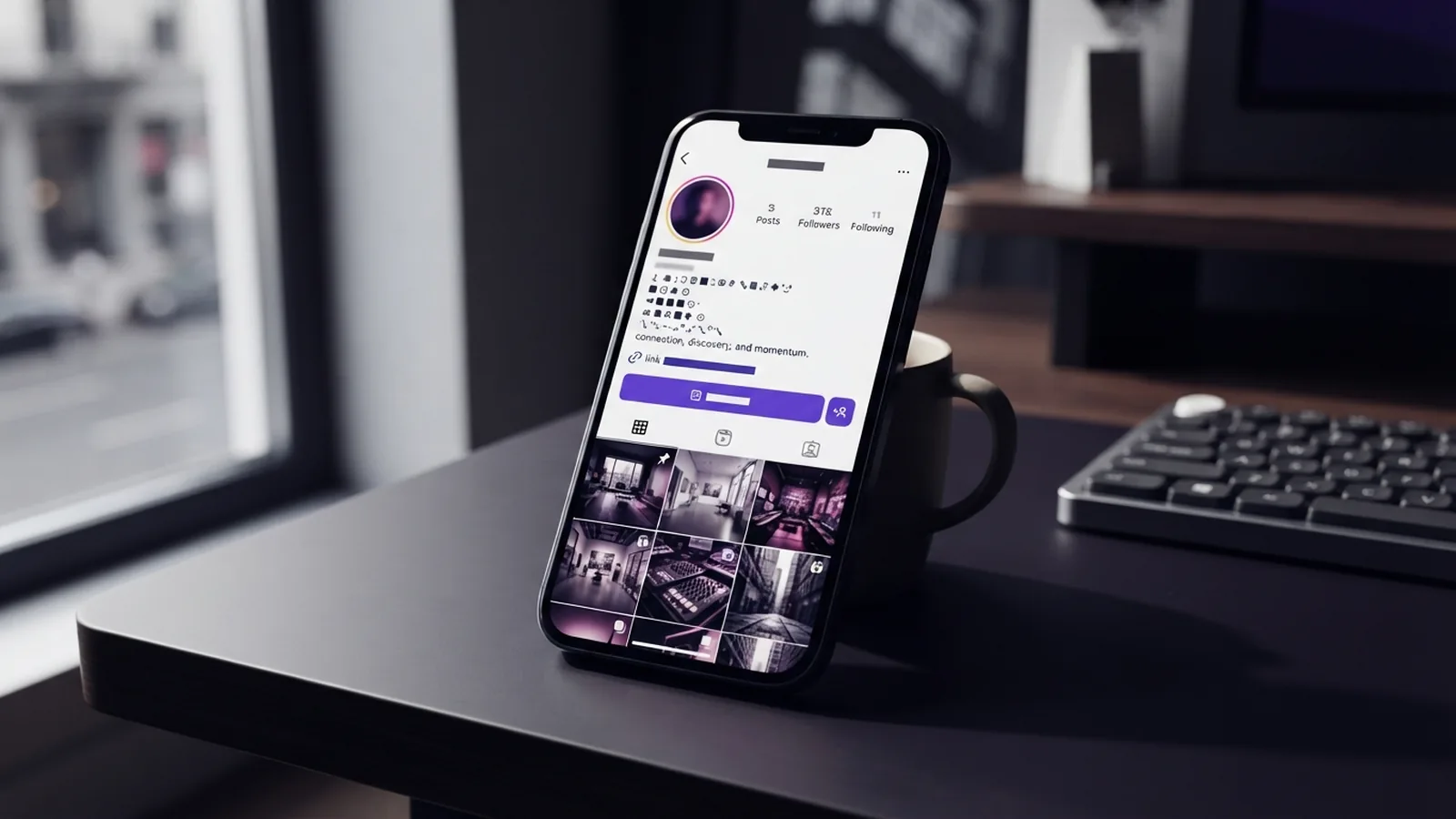
A link in bio is the clickable web address on your Instagram profile. You can use it to send visitors to a shop, newsletter, booking page, or website.
The classic setup gives you one main external link. That link matters because Instagram does not make links clickable in most photo captions. Your profile becomes the main path from Instagram to another site.
To answer “where to find link in bio in Instagram,” open the profile you want to check. Look below the bio text and above the post grid. The link may appear as a web address or under a Links button.
Many users miss it. The link often has a weak label, such as “my site.” It also sits below the main profile details, so clear wording can lift visits.
Where to find the link in bio on Instagram
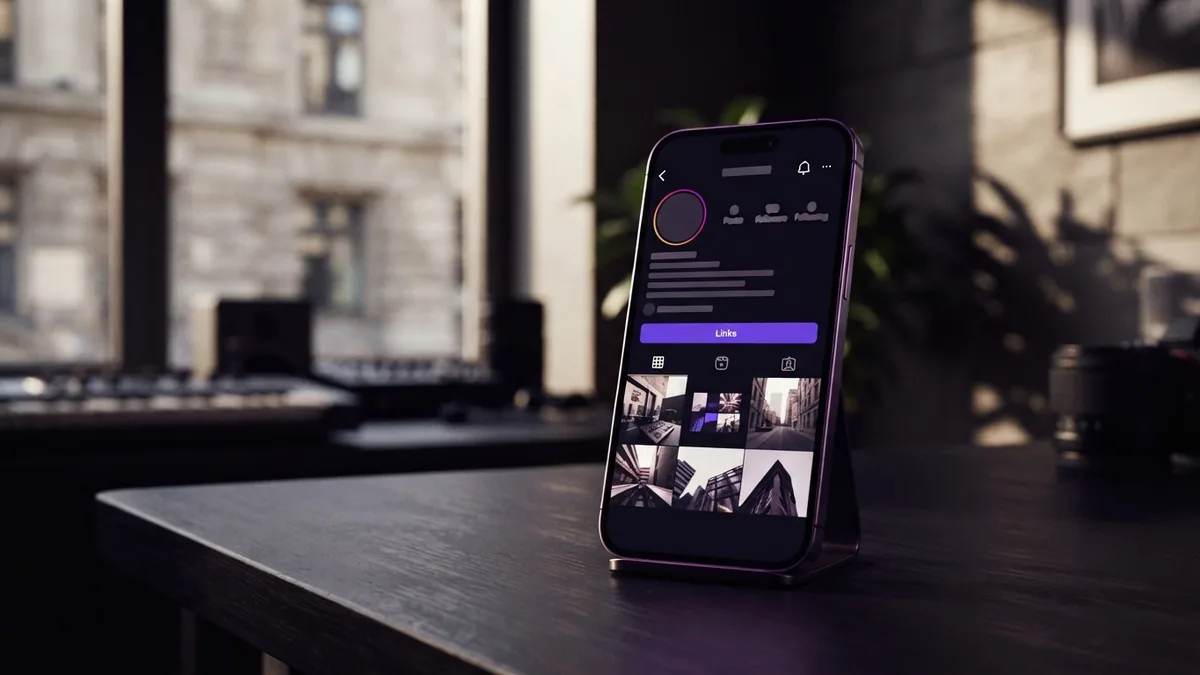
Start with the Instagram mobile app. Tap the profile name or profile picture. Then look beneath the short bio description.
On a personal account, the bio link may show as plain text. Tap that text to open the linked page. On creator and business accounts, tap the Links button instead.
The view can change by device. The mobile app may show a neat link label, while desktop Instagram may show a full web address. A link can also look less clear on a narrow phone screen.
If you still cannot see a link, check the full profile. The owner may have added no link, or the link may sit inside the profile’s contact area. Some accounts also use a link tool that opens a page with several choices.
How to open a bio link
- Open the Instagram app or website.
- Visit the profile with the link.
- Read below the bio and above the posts.
- Tap the web address or the Links button.
- Choose a destination if a link page opens.
This simple process covers most cases in an Instagram profile link guide. If a link fails, try the profile in the mobile app. The owner may have changed or removed the address.
How account type changes the link view

Instagram account types can change how the profile link looks. The destination can stay the same, but the label and layout may differ.
Personal accounts often show the link as plain text below the bio. Creator and business accounts usually show a Links button. This button keeps the profile cleaner and gives visitors a clear place to tap.
Desktop and mobile views may not match. Test your own profile on both devices before sharing it in a campaign. Ask someone outside your team to open it as well.
| Account type | Common link view | Best check |
|---|---|---|
| Personal | Plain text web address | Tap the address below the bio |
| Creator | Links button or link label | Open the profile in the app |
| Business | Links button or link label | Test the link on mobile and desktop |
Instagram can also display more than one destination for some profiles. Still, one main link should lead to your most useful next step. Too many choices can slow people down.
Ways to get more clicks from your bio link
A link earns clicks when it answers a clear need. Match the link with the reason people follow your account. A recipe account might link to a recipe index. A coach might link to a short booking form.
Use a direct label in the bio. “Book a free call” tells users more than “website.” Keep the promise close to the page they see after tapping.
Your call to action should also fit each post. A post about a new guide can say, “Find the full guide through the link in bio.” Give one next step.
- Use a clear label tied to a user need
- Send visitors to a fast page that works on phones
- Keep the first screen focused on one main action
- Match the link with your latest post or offer
- Track visits and sign-ups from Instagram
Watch user behavior, not just raw clicks. A high click count means little if visitors leave at once. Compare link visits, time on page, sign-ups, and sales.
A tracking tag can show which visits came from Instagram. Use a short link when the address looks hard to read. Test one change at a time so the result stays clear.
How to update your Instagram bio link
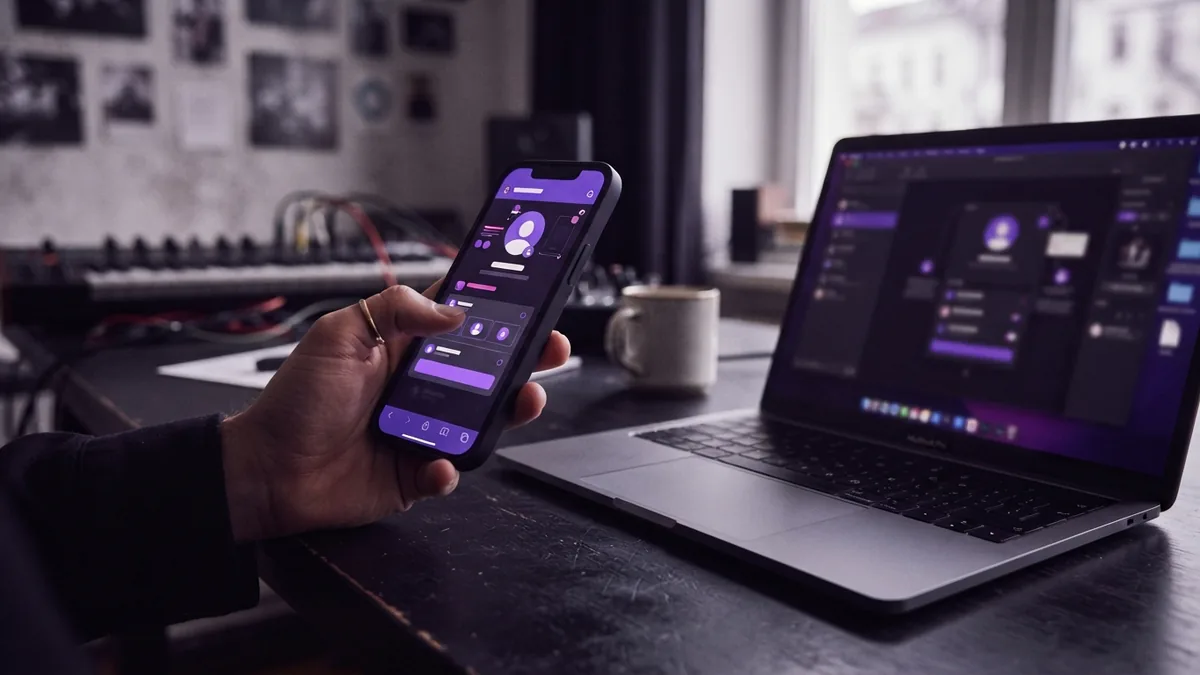
Changing the link is done through the Instagram mobile app. This creates a hurdle for users who manage profiles from a desktop computer.
- Open Instagram on your phone.
- Tap your profile picture.
- Tap Edit profile.
- Open Links or the link field.
- Add, replace, or remove the destination.
- Save the change, then test the link.
Use the link field for the full web address. Add a short title that tells visitors what they will find. Check every detail before you leave the edit screen.
Test the new link from another account. Check the page on both Wi-Fi and mobile data. Look for broken redirects, slow load times, and forms that fail on small screens.
Plan updates around your content. Change the link when a launch starts, then restore your main page after it ends. A stale link can waste visits from older posts.
Common mistakes that reduce bio link clicks
The first mistake is hiding the link behind a vague label. Users should know why they should tap. “Get the meal plan” is stronger than “links.”
The second mistake is sending everyone to a crowded landing page. A landing page can hold several destinations, such as a shop, podcast, and newsletter. That setup helps when your audience has varied needs. It can also dilute click-through rates when every choice looks equal.
Put the main choice first. Limit the page to the links your audience uses now. Remove old campaigns and weak offers.
- Do not send visitors to a broken or expired page
- Do not hide the main action below many other links
- Do not change the link without testing it
- Do not assume desktop and mobile views match
- Do not measure success by clicks alone
Another mistake is changing the destination too often. Followers may tap an old post and expect the promised page. Use a stable page when older content still draws views.
Tools that can strengthen your bio link
You can use a simple website page as your main destination. This gives you control over design, data, and page speed. It also keeps the path short.
A link landing page can group several useful destinations. Use it when your followers need clear choices. Keep one top button for the action that matters most.
Link tracking tools can add campaign tags to your address. These tags help you see visits from Instagram in your analytics tool. They can also show which offer draws the most interest.
A digital contact card may suit a service provider. It can combine a booking link, email address, phone number, and social profiles. Keep the page focused so it does not become a second cluttered profile.
The best setup is easy to explain in one sentence. “Tap the link in my bio to book a call” should feel true after the tap. Clear paths win over large link lists.
A quick check before you share your profile
Use this Instagram bio management check once a week during active campaigns. It takes less than five minutes and can catch costly errors.
- Open your profile on a phone
- Check the link label and destination
- Tap the main button and test the page
- Review visits, sign-ups, and sales
- Remove links that no longer serve your audience
Make the first choice clear. Keep the page fast. Review the numbers.
That routine helps turn finding Instagram bio links into a useful path for growth. It also keeps your profile ready when a new post sends traffic your way.
Step-by-step
- 01 Open the Instagram mobile app
Launch Instagram on your phone and tap your profile picture.
- 02 Open Edit profile
Tap Edit profile to view the fields that control your profile details.
- 03 Open the Links field
Tap Links or the link field in the profile editor.
- 04 Add or replace the destination
Enter the full web address and add a clear title for the link.
- 05 Save the update
Save the change, then return to your profile.
- 06 Test the link
Tap the link from your profile. Check the page on a phone before sharing it.
Frequently asked questions
- Where do I find the link in bio on Instagram?
- Open the profile in Instagram and look below the bio text. Personal accounts may show a plain web address. Creator and business accounts often show a Links button.
- How do I open a link in an Instagram bio?
- Tap the profile name, then look below the bio and above the posts. Tap the web address or Links button to open it.
- How do I change my Instagram bio link?
- Open your profile in the mobile app. Tap Edit profile, open Links, replace the address, and save the change.
- Why can’t I see someone’s Instagram bio link?
- The link view can vary by account type and device. Personal accounts often show plain text, while creator and business accounts often show a Links button.
- Should I use a link in bio landing page?
- A landing page can hold several destinations, but too many choices can lower clicks. Put one main action first and remove old links.
- How can I track Instagram bio link engagement?
- Track visits, sign-ups, sales, and quick exits from the page. These numbers show whether the link brings useful traffic, not just taps.
Related reading

How to Add a New Line in Your Instagram Bio
Format your bio in a text tool, then check the saved lines on your profile.
How Do You Add a Discord Link to Your TikTok Bio?
Add a working Discord invite to your TikTok profile and help followers find your community.

How to Find Instagram Profiles Through Their Bios
Find Instagram profiles with focused bio terms, related hashtags, and username clues.