Why Instagram Won’t Let You Add or Edit Your Bio
Bio not editable? Fix common setting, permission, and glitch causes.
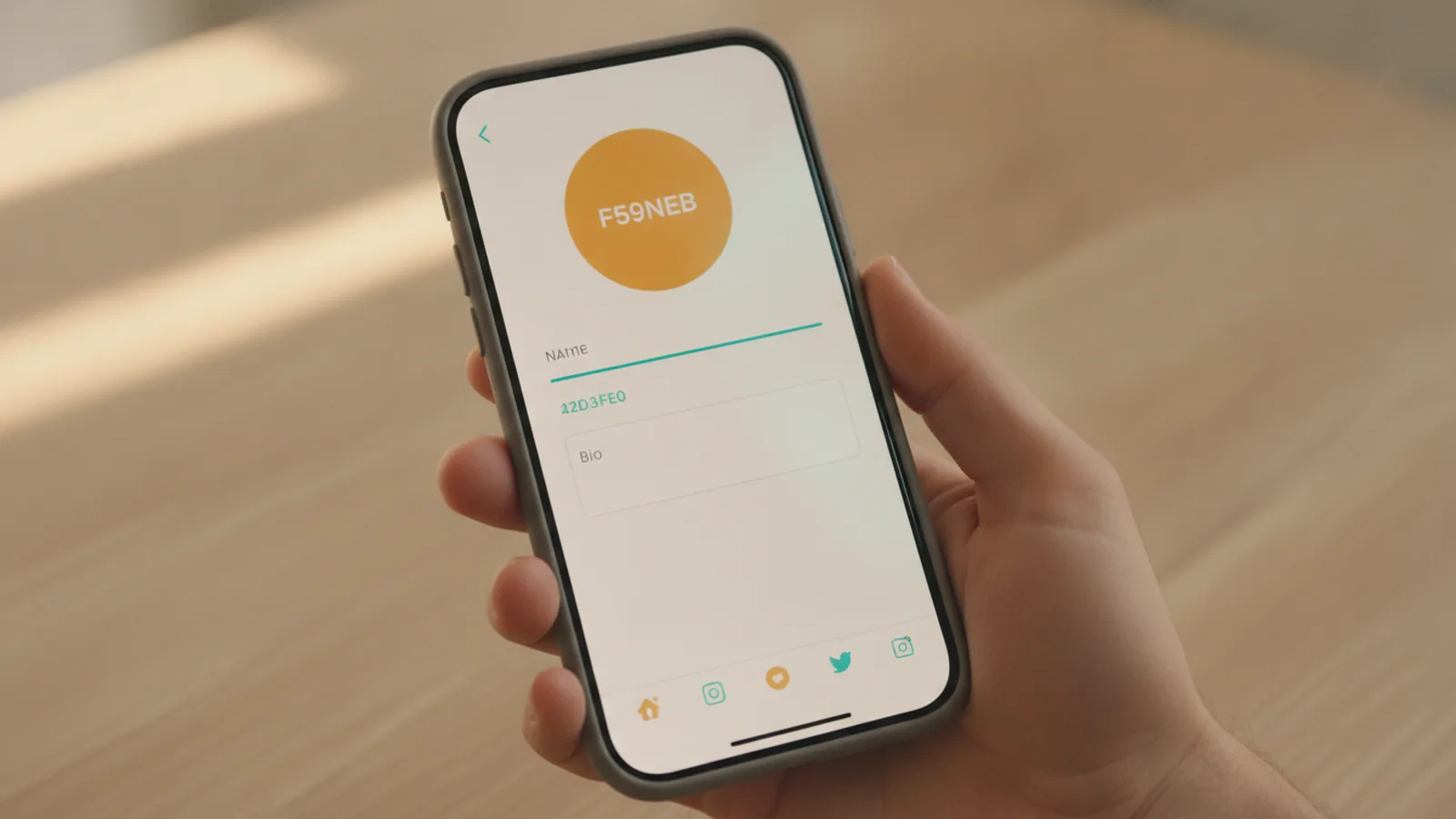
Common reasons Instagram blocks adding or editing your bio
If you are wondering why wont instagram let me add a bio, the answer is usually account status, permissions, or a temporary app problem. If you are seeing why wont instagram let me edit my bio, it is often a mix of privacy settings, verification or security checks, or a character limit issue. Start by checking whether Instagram even allows edits right now. Then narrow down the cause with a few targeted steps.
One common trigger is how Instagram treats your account today. New accounts can get tighter controls until they show stable activity. Some business or creator features also route through account setup and permissions. If your account is under review or flagged, Instagram may limit profile changes.
Another frequent cause is the bio text itself. Instagram enforces an Instagram bio character limit. If your bio is too long, the app may refuse updates, or it may appear to save but then revert. Also watch for pasted text from other apps that includes invisible spacing or line breaks.
- Edits are blocked due to account status
- Your bio exceeds the character limit
- Security, login, or verification issues are active
- Privacy settings limit what you can change
- Temporary app glitches stop bio updates

Account settings that can stop bio edits
Instagram does not edit your bio in a vacuum. It checks your current profile settings and permissions first. If you cannot change the bio, confirm that you are editing the right profile and that your account type supports the field normally.
Start with the basics in the Instagram app. Go to your profile, tap Edit profile, and confirm the bio field is actually editable. If the bio box looks disabled, or the “Save” step never completes, you likely have a permission or account-state restriction rather than a typing mistake.
Next, check whether your account is in a restricted condition. A new account can have limited profile changes while it builds trust. If you recently switched account type, or you recently connected new tools, you may see delays as permissions refresh. Also remember that some changes require a stable session. If you logged in with an unstable connection, edits can fail even when everything looks correct.
Finally, review your User permissions on Instagram if someone else manages the account. For example, you might use an admin workflow for a business profile. If a third-party manager account is missing permission, Instagram may block changes to the bio. In that case, only an account with full edit rights should try again.
Troubleshooting tips to find the exact blocker
When you hit Common Instagram errors around profile editing, it helps to isolate the problem quickly. The goal is to tell whether Instagram rejects your bio content, blocks the edit action, or fails to save due to app issues. Work through these steps in order.
- Shorten the bio temporarily. Remove extra emojis, long links, or extra line breaks. Try saving a very short test bio like “New bio test”. If it saves, the original text likely breaks the character limit.
- Check the bio character count. Instagram enforces a limit on bio length and may treat some characters as multiple units. Trim until you are clearly under the limit, then try again.
- Update the app. If you are on an outdated Instagram version, saving can fail during UI changes. Use your app store to update Instagram, then retry.
- Log out and back in. A broken session can prevent edits. After you log back in, open the edit profile screen again and attempt the save.
- Test on another device or network. Use Wi-Fi versus cellular, or try another phone if possible. If it works on one environment, your original device or network may be causing the failure.
- Reboot and clear background issues. Close Instagram completely, restart your phone, and then retry. This fixes some temporary storage and cache problems that block form submissions.
If your bio saves sometimes but then reverts, treat it like a save conflict. That can happen after server-side checks or when Instagram expects a specific account state. Retrying after a short wait often helps if the problem is still resolving.
Also check for security prompts. If Instagram recently asked you to confirm your identity, change your password, or review a sign-in alert, follow through. Until the account is fully in a trusted state, Instagram can restrict edits, including the bio field.
User restrictions explained: status, verification, and permissions
Instagram may impose restrictions based on account status. This is one of the best answers to why wont instagram let me add a bio or why wont instagram let me edit my bio when your app otherwise works. Common restriction triggers include new accounts, unusual login behavior, and ongoing verification checks.
New accounts sometimes have limited changes early on. Instagram may slow down profile edits until it sees consistent behavior. If your account is brand new, wait a bit and retry later. Also ensure you can view your profile normally and that you are not in a loop of temporary sign-in prompts.
Verification and security can also matter. If your account is going through an Account verification process, Instagram might limit what you can update. This can include the bio, especially when the account is flagged for safety review. If you see any warnings in the app, address them first. Then attempt the bio change again after Instagram confirms the step.
Finally, privacy settings can restrict what you can edit or what shows publicly. A profile that is under tighter visibility rules can behave differently in the edit flow. Go through your profile privacy settings and confirm they match what you expect. Then try editing the bio again.
- Account is new: edits may be delayed until trust signals build
- Account is under review: safety checks can block profile updates
- Permissions are missing: only admins or authorized users can edit
- Privacy settings conflict: the edit flow may behave unexpectedly
Temporary glitches and the fastest solutions
Even if your account is fine, Instagram updates could temporarily affect bio functionality. App changes can break parts of the profile editor for some users, especially right after a rollout. In that case, the fix is usually waiting plus a few standard reset actions.
First, confirm whether Instagram is working normally for other profile actions. Can you switch profile pictures, update posts, or edit other fields? If only the bio fails, it is more likely a field-specific glitch. If multiple profile actions fail, it points to a broader session or account state issue.
Next, check for app updates and restart the edit flow. When Instagram pushes a change, you may need the newest build to match server expectations. If you updated and still fail, wait several hours. Many temporary errors clear once back-end systems finish rolling changes.
If you suspect a glitch and you need a workaround, use the safe path. Save a short bio first. Then add your full bio in one smaller update at a time. This reduces the chance you hit a character or formatting edge case while the app is unstable.
Lastly, report persistent bugs. If you have tried updates, logouts, shorter bios, and different networks, submit a report from inside the app. Provide a screenshot of the bio screen and note the exact error you see, if any. This gives Instagram the details needed to fix the issue.
FAQ: quick answers to bio add or edit problems
Why won’t Instagram let me add a bio?
Common causes include a restriction on new accounts, missing permissions, or a temporary app glitch. It can also happen when your bio text is longer than the allowed limit.
Why won’t Instagram let me edit my bio?
Your account may be under security checks, in an account-state restriction, or missing edit permissions. A character limit problem can also stop edits from saving.
Can the Instagram bio character limit stop saving?
Yes. If your bio exceeds Instagram’s character limit, the app may refuse to save or may revert changes. Shorten the bio to a clear under-limit test and retry.
Do privacy settings affect bio editing?
They can. If your account privacy configuration behaves differently in the edit flow, Instagram may limit what you can change. Re-check your profile privacy settings and retry the edit.
Could security or verification block bio changes?
Yes. If Instagram requests identity steps or detects suspicious activity, it can restrict profile edits. Complete the prompts, then try again after the account returns to normal.
How long do temporary Instagram update glitches last?
Often a few hours to a day. Updating the app and trying later usually helps when only bio edits are affected.
Frequently asked questions
- Why won’t Instagram let me add a bio?
- Your account may be new or restricted, or the app may be glitching. Also confirm your bio text is within the character limit.
- Why won’t Instagram let me edit my bio?
- Security checks, missing permissions, or an account-state restriction can block edits. A too-long bio can also prevent changes from saving.
- How do I fix an Instagram bio character limit problem?
- Try saving a short test bio like “Bio test”. If that works, reduce your original bio until it saves.
- Can privacy settings stop bio edits on Instagram?
- Yes, they can affect the edit flow. Re-check your profile privacy settings and retry the bio change.
- Can account verification stop me from editing my bio?
- It can. If Instagram is verifying or reviewing your account, profile edits may be limited until it completes.
- What should I do if it’s just a temporary Instagram update glitch?
- Update the app, restart your session, and try again later. If only the bio fails, wait a few hours and retry with a shorter bio.
Related reading

How Do You Make Instagram Bio Spaces?
Use line breaks and blank characters to make your Instagram bio easier to scan.

How Do You Change Your Bio Font on Instagram?
Use a Unicode font generator to style your Instagram bio in a few simple steps.

How to Add a Spotify Playlist Link to Your Instagram Bio
Add your playlist, test the link, and help more people find your music.