How to Add a Link in Your Facebook Bio (Setup Guide)
Set up your Facebook bio link: action button, extra URLs, and click tracking.
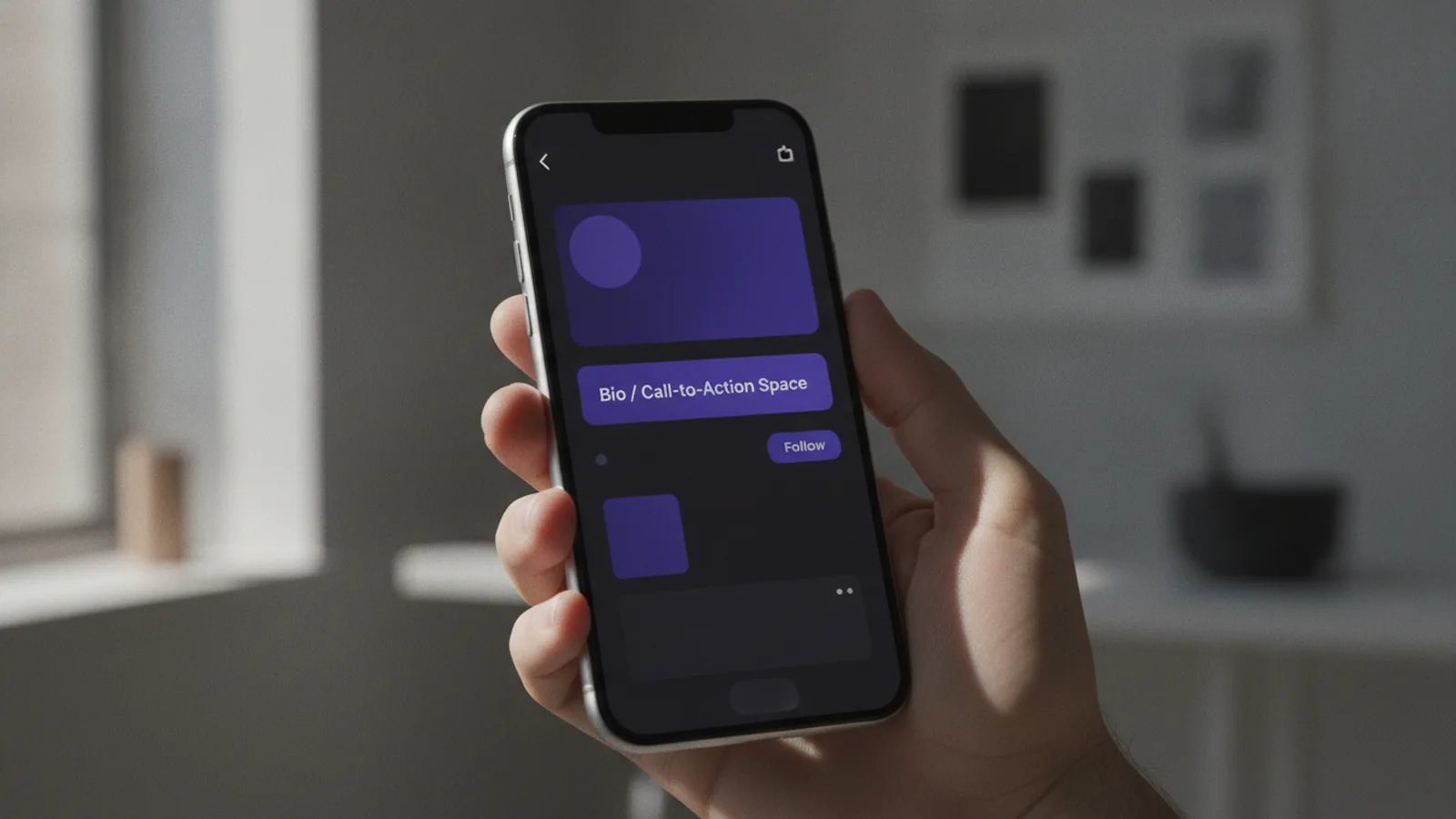
Understanding Facebook’s bio links
You can drive visitors from your Facebook profile to your site, but the options differ by page type. The key upgrade is the Facebook Business Page “action button,” which is the one prominent clickable link in the bio area.
On Business Pages, Facebook lets you add one main action button link. It sits as the primary call to action and is designed to be clicked quickly on mobile.
You can also add an additional set of URLs in the “Links” section on your Facebook Business Page. Facebook allows up to 10 URLs there, but those links are not highlighted like the action button.
How to add a link in your Facebook bio (step-by-step)

This section focuses on the most effective option first: the Business Page action button. If you have a Business Page, this is the place to send people to your website or a campaign landing page.
Before you start, pick the destination you want people to click most. Also decide what label should match that destination.
- Open your Business Page and go to your page settings.
- Find “Action button” and choose the action type.
- Enter your URL for the action button destination.
- Set the button label to match the page you’re sending traffic to.
- Save changes and test the button on your own phone.
For clarity, label examples include “Shop Now” for a product page and “Sign Up” for a lead form page. When the label matches the destination, people are more likely to click.
If you want a multi-link setup, use link-in-bio tools to combine several URLs into one landing page. Then point the action button to that landing page, not to a single deep link.
Adding extra URLs in the “Links” section
After you set the action button, you can add more URLs inside the “Links” section. Facebook supports up to 10 URLs in that area on a Business Page.
These extra links are useful for secondary goals. For example, you might add your blog, a support page, and a contact page alongside your main website.
- The action button is the main clickable focus.
- Links in the “Links” section won’t be highlighted the same way.
- Think of the action button as your top priority and the links section as backup routes.
Best practices for Facebook bio links
Most link problems come from mismatch, not from missing settings. If the button label implies one outcome but the page shows something else, click-through rates usually drop.
Start with one primary goal for your audience. Use the action button to support that single goal, and reserve the 10 extra URLs for supporting pages.
Next, make sure your destination page is mobile-friendly. Many Facebook clicks happen on mobile devices, so the landing page should load fast and show the main value quickly.
Choose a destination strategy
You have three practical destination patterns that work well in real campaigns. Pick one based on what you’re trying to achieve.
- Single offer page: Best when you have one active promotion or topic.
- Home page: Best when you want visitors to browse, not take a single action.
- Multi-link landing page: Best when you need several options in one click.
Track click-through rates with UTM parameters
To measure results, don’t rely on vanity counts. Add UTM parameters to the URL you place in your action button so you can see traffic in your analytics.
UTM parameters let you label the source and the exact placement. For example, you can set the source as “facebook” and the campaign as your current offer.
| UTM field | Example value | What it helps you see |
|---|---|---|
| utm_source | Traffic coming from Facebook | |
| utm_medium | bio | Visits tied to your bio link |
| utm_campaign | summer_sale_2026 | Performance for a specific promo |
Then compare sessions, conversions, or sign-ups tied to that URL. That turns “we shared a link” into measurable effectiveness.
Comparing personal and business pages
If you’re asking how to add link in bio on facebook for a personal profile, the answer is limited. On personal profiles, the bio link is plain text and not a highlighted clickable link in the same way.
This means you cannot fully replicate the Business Page action button experience with the same level of visibility. People may still copy the link manually or use search, but you lose the immediate tap-to-click benefit.
By contrast, the Business Page “action button” gives you a prominent clickable call to action. If you’re serious about sending traffic, a business profile vs. personal profile decision often matters more than any small wording change.
What to do if you only have a personal profile
You can still improve outcomes with two moves. First, post links in updates and pin the best-performing one to the top of your profile.
Second, consider setting up a Business Page if you want an action button and a cleaner funnel into your website. Many creators and small teams do this when they need more than plain text.
- Personal profiles: link may be non-clickable, which limits results.
- Business Pages: action button is the clickable centerpiece.
- Business Pages: you also get up to 10 extra URLs in the Links section.
Tracking your Facebook bio link performance
Once your link is live, tracking is how you learn what to keep and what to change. The most useful metrics include clicks, conversion rate, and time to first action.
Start with your analytics platform and filter by UTM parameters from your action button. That way you isolate traffic from your bio link setup.
Next, test whether changes improve results. For example, update the action button label and point it to a page with a clearer call to action.
Run small experiments
Small changes can make a big difference over weeks. Consider these simple tests when you have enough data to compare.
- Change the button label: “Book Now” vs. “Get a Quote.”
- Change the landing page: a product page vs. a lead form.
- Change the campaign: point the action button to a new offer.
- Use a multi-link landing page: compare it to sending users to one URL.
When you compare UTM-tagged sessions, you can see which setup produces the most sign-ups or purchases.
Tools for managing bio links
If you want to send people to more than one place, link-in-bio tools can simplify the experience. Instead of swapping your action button link constantly, you point it to one landing page.
A multi-link landing page can include sections for your website, newsletter, product categories, and social proof. Visitors then pick the option that fits their intent.
When choosing a tool, look for two things. First, check whether it supports custom tracking so you can see clicks by destination.
Second, confirm the landing page looks good on mobile. That matters because Facebook traffic is often mobile-first.
Finally, connect the tool’s click tracking to your UTM approach. Use UTMs on the link you place in your Facebook action button, then use the tool’s internal tracking for deeper insights.
Quick setup example
Here is a common setup pattern used for campaigns. Create a multi-link landing page with options like “Shop,” “Learn,” and “Get Updates.” Then set the action button to “Shop Now” and add UTMs that include your campaign name.
Frequently asked questions
- Can I add a clickable link in my Facebook bio from a personal profile?
- On personal profiles, the bio link is typically plain text and not highlighted as a clickable button. This limits direct tap-through compared with Business Pages.
- How do I add link in bio facebook on a Business Page?
- Set your Business Page action button link in the page settings. Choose an action type, paste your URL, label the button clearly, then save and test on mobile.
- How many links can I add in the Facebook Business Page Links section?
- Facebook allows up to 10 URLs in the Links section on a Business Page. These links are additional and not highlighted the same way as the action button.
- Should my Facebook action button label match my landing page?
- Yes. Use labels like “Shop Now” or “Sign Up” that match what the destination page offers. Label-to-page match improves click-through rates.
- How can I track performance for my Facebook bio link?
- Add UTM parameters to the URL used in your action button. Then analyze traffic and conversions by source and campaign in your analytics tool.
- Do link-in-bio tools help with Facebook bio links?
- They can. Point your action button to a multi-link landing page so visitors choose among several options from one clickable URL.
Related reading

How Do You Make Instagram Bio Spaces?
Use line breaks and blank characters to make your Instagram bio easier to scan.

How Do You Change Your Bio Font on Instagram?
Use a Unicode font generator to style your Instagram bio in a few simple steps.

How to Add a Spotify Playlist Link to Your Instagram Bio
Add your playlist, test the link, and help more people find your music.