What Does “Link in Bio” Mean on Instagram?
Learn what “link in bio” means and how to use it well on Instagram.
What Does “Link in Bio” Mean?
“Link in bio” means a clickable web address in a social profile. On Instagram, it sits near the account description. The phrase tells viewers where to tap next.
When it says link in bio what does that mean? It means the creator placed the needed link on their profile. You must open the account page first. Then tap the link shown below the bio.
When someone says link in bio what does that mean? They are pointing you away from the post. They want you to visit their profile. From there, you can open a shop, article, signup page, or other site.
The phrase grew from social networks that limited links in posts. Creators needed one simple path for outside content. That path became the profile link.
When people say link in bio what does that mean on Instagram? They usually mean the link below the account details. Instagram now lets many accounts add more than one link. The old phrase still works because users know the next step.
Why Use a Link in Bio?
A profile link turns attention into action. A follower can move from a post to a useful page. That page may support a sale, signup, booking, or visit.
Creators use links for content that does not fit inside Instagram. They may share a course, podcast, newsletter, or store. Brands can guide followers to products, support pages, or event details.
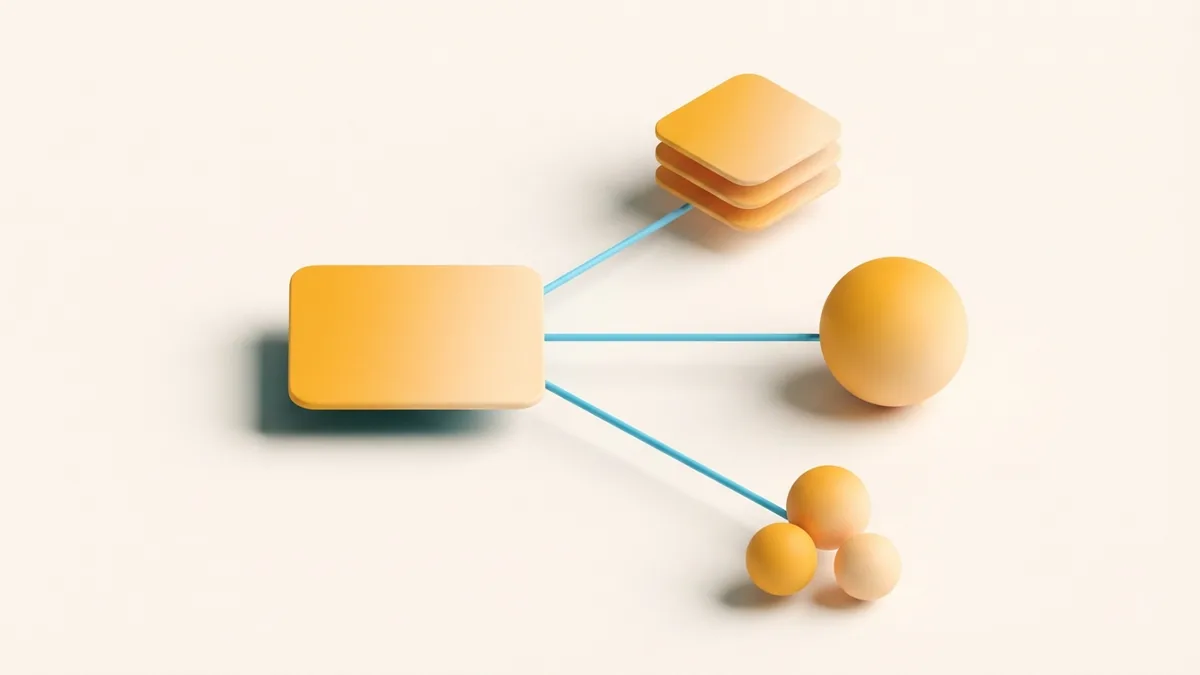
The link also gives each post a clear goal. A post can explain the offer. The profile link can handle the next step.
- Send visitors to a new product or service
- Grow an email list with a short form
- Share a new video, article, or podcast
- Collect bookings, downloads, or event signups
- Measure visits from Instagram with link data
Good links reduce search work for followers. They also help creators keep one main path active. The result can be a smoother user experience.
For example, a post may show a new meal plan. The link can lead straight to the download page. That match helps the visitor trust the next step.
How to Create an Effective Link in Bio
Start with one clear goal. Choose sales, signups, bookings, downloads, or deeper reading. Your goal should shape the page and its first button.
Next, choose the right destination. A direct product page suits one focused launch. A link page works better when several choices matter.
If the address looks long, consider a trusted URL shortener. Choose one with link stats and a clear redirect. A branded short address can feel safer than a random string.
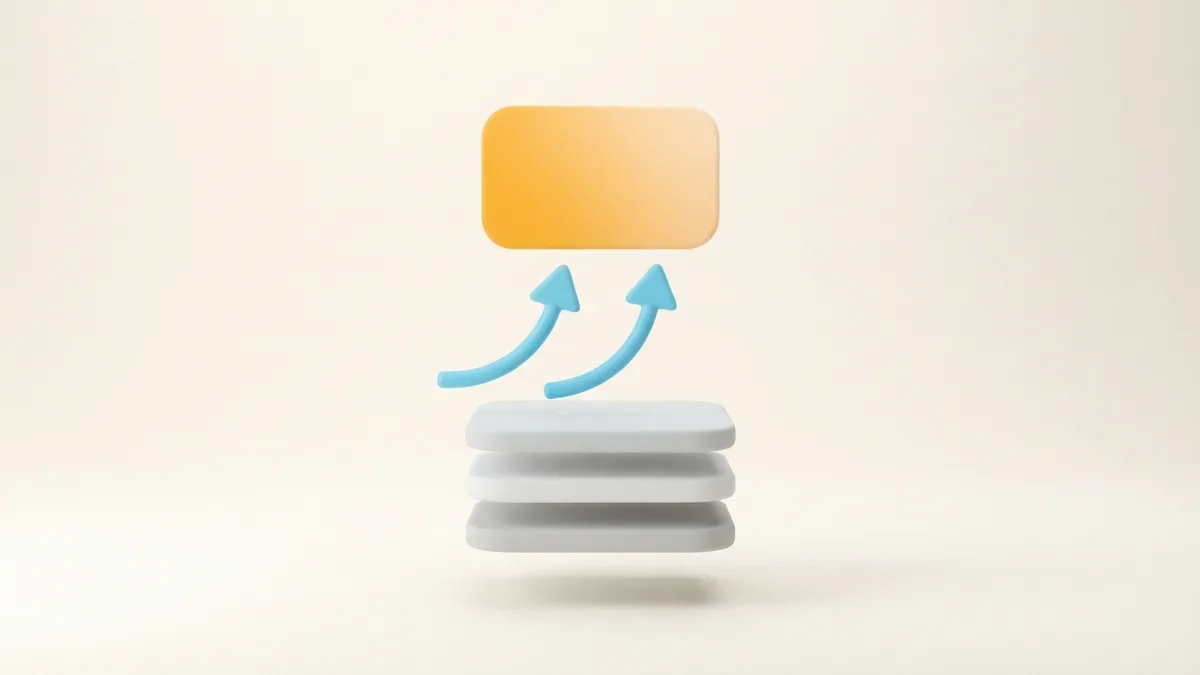
- Pick the main action. Decide what you want visitors to do first.
- Choose the destination. Send people to the page that best fits your post.
- Build the link page. Add only useful choices with clear labels.
- Test on a phone. Check every button, form, and redirect before sharing.
- Review it often. Remove expired offers and update the main choice.
Keep the page fast and simple. Remove old offers when campaigns end. A working link beats a clever page that loads slowly.
Use button labels that explain the next step. “Shop the new range” gives more detail than “Tap here.” Clear words can reduce doubt before the tap.
If you manage several links, place the most timely choice first. Match that choice to your latest post. This keeps the link useful during each campaign.
Best Practices for Your Instagram Bio
Instagram bio what is it? It is the short profile area that explains an account. It can show who runs the account and what followers will find there.
Instagram bio what to write depends on your goal. State who you help, what you share, and why it matters. Then add one clear action near the link.
A useful bio often has four parts. It names the account focus, shows the benefit, adds proof, and gives direction. You do not need to fill every available space.
| Bio part | Purpose | Example |
|---|---|---|
| Focus | Explain the account topic | Simple meals for busy families |
| Value | Show the reason to follow | New recipes each week |
| Proof | Build trust with a useful fact | Cookbook author and teacher |
| Action | Guide the next tap | Get the free meal plan below |
Match the bio promise to the linked page. A bio about budget meals should not lead to a fashion sale. That mismatch can cause quick exits.
Use line breaks so the bio feels easy to scan. Keep key details near the start. Change the action when your main offer changes.
If a creator says “link in bio,” he may want followers to learn one specific thing. Link in bio what will he learn? The answer depends on the page behind the link. It could teach a skill, reveal a product, or offer a free download.
Examples of Effective Links in Bio
A fitness creator might link to a free seven-day plan. The page could also show a class schedule and coaching offer. The free plan should appear first if the post promises it.
A small clothing brand might link to a new collection. A second choice could show store details or care tips. Each choice should meet a clear buyer need.

A writer or podcast host might link to the latest episode. Older episodes can sit below it in a small archive. This keeps new content easy to find.
A local café could link to its menu and booking page. A creator who teaches design could link to a course list. Each example works because the link matches the account’s main promise.
Instagram link in bio what does it mean in these cases? It means the profile link acts as a bridge. The post starts interest. The linked page gives more detail or a way to act.
Common Link in Bio Mistakes to Avoid
The first mistake is adding too many choices. A crowded page makes visitors pause. Keep the list short and rank choices by value.
The second mistake is sending every visitor to the same generic homepage. A focused page often works better. It should match the post that brought the visitor there.
Link in bio what does it mean if the page no longer works? It means the profile still promises a path, but the path fails. Check links after launches, sales, and domain changes.
- Do not keep expired campaigns at the top
- Do not use vague labels with no clear outcome
- Do not send visitors to unrelated offers
- Do not skip phone testing before a post goes live
- Do not hide the main action below many minor links
Also check trust signals. The page should load over a secure connection. It should show the same brand or creator seen on Instagram.
Finally, track what people use. Remove links that receive little interest. Keep testing the order, wording, and destination of your main choice.
How to Use “Link in Bio” Well
When someone asks what does link in bio mean, give a simple answer. It is the clickable link on a profile. It leads visitors to more content or a useful action.
To use it well, connect three parts. The post should set a clear promise. The bio should explain the account. The link should deliver the promised next step.
Review the full path before you share it. Open the profile as a visitor would. Tap the link, check the page, and finish the main action.
Strong links do not need tricks. They need a clear goal, a close match, and a short path. That is the real link in bio significance for creators and brands.
Frequently asked questions
- What does link in bio mean on Instagram?
- It means the clickable link in an Instagram profile. The link can lead to a shop, article, signup page, or other site.
- Where do I find the link in an Instagram bio?
- Open the account profile and look near the account description. Tap the visible link to open its destination or link page.
- What should I write in my Instagram bio?
- Explain who you help, what you share, and why it matters. Add one clear action that matches the link below.
- Can Instagram bios have more than one link?
- Many Instagram accounts can add more than one profile link. Keep the list short and place the most useful choice first.
- How many links should a link in bio page have?
- Start with one main link and add only useful extra choices. Too many links can make visitors pause or leave.
- Why is my link in bio not working?
- The address may be wrong, expired, or blocked by a page error. Test the link on a phone and check it after each major update.
Related reading
How to Remove a Link From Your Instagram Bio
Remove outdated Instagram bio links and check your profile changes in a few quick steps.

How Do You Add a Bio on Instagram?
Add your bio in Edit Profile, then make every character count.
How Do You Add a Hyperlink to Your TikTok Bio?
Add a useful TikTok bio link, test it, and fix common issues.